
Azeroth Survivors on Unite Gaming
Network playAction · Roguelike · RPG
Survive waves of enemies in the Warcraft world. Choose from nine classes, upgrade automatic attacks, fight bosses and build lasting character progression.
Screenshots
About the game
Azeroth Survivors is a free fan-made survival game by Aethus, set in the Warcraft world.
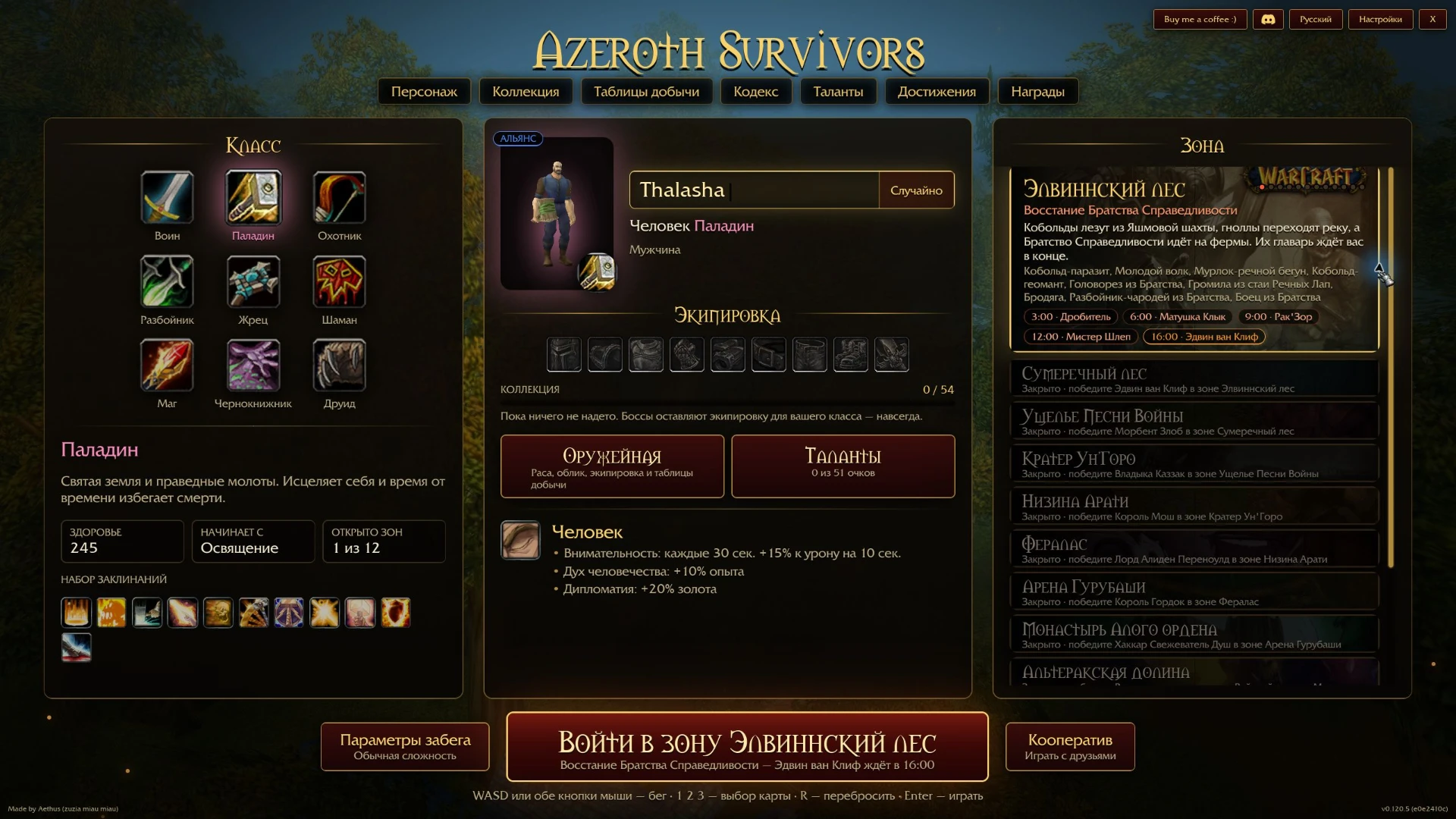
Choose one of nine classes: Warrior, Paladin, Hunter, Rogue, Priest, Shaman, Mage, Warlock or Druid. Attacks happen automatically, leaving you to move, avoid being surrounded and pick useful upgrades as you level up.
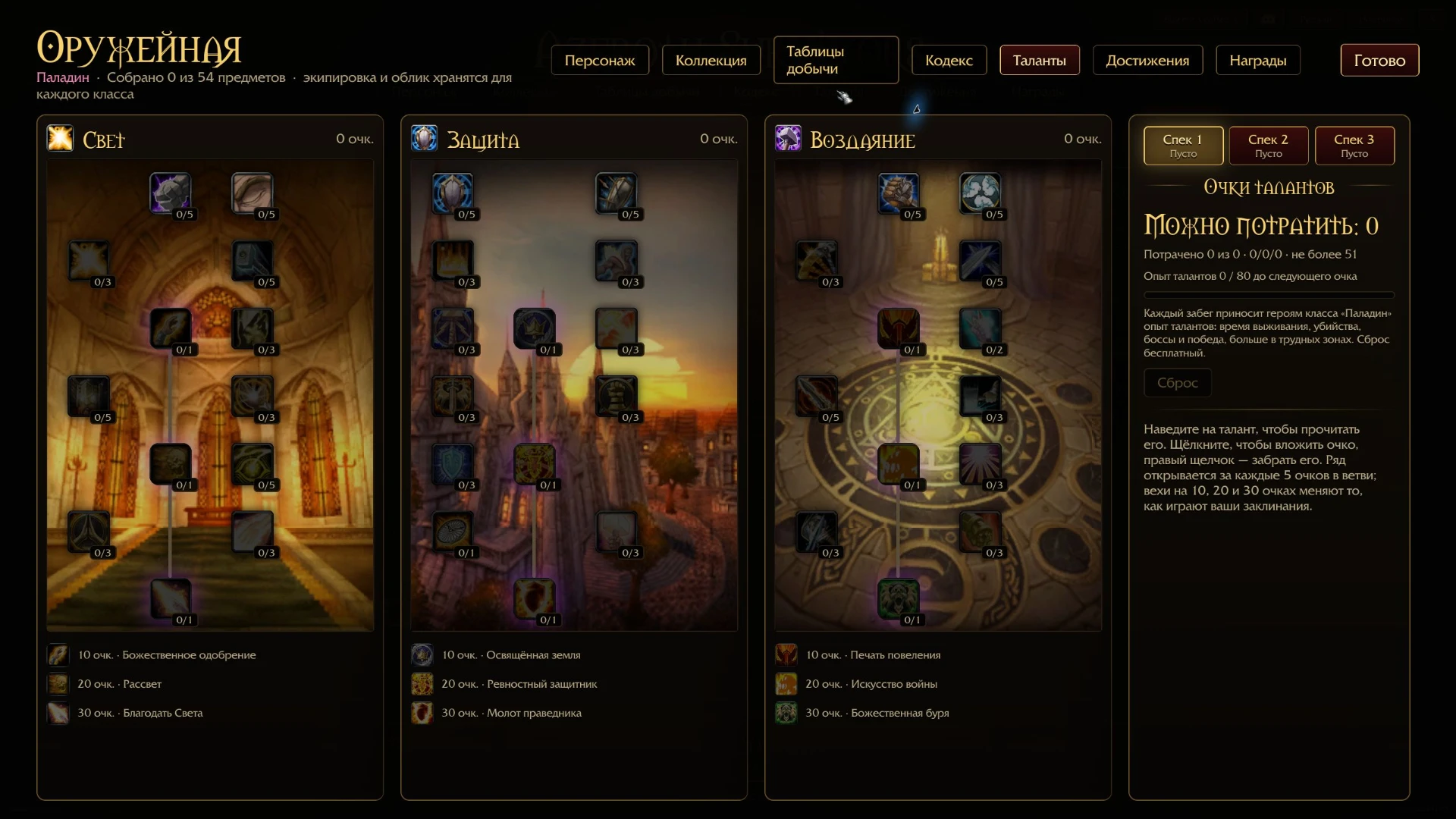
Start in Elwynn Forest, fight waves of enemies and bosses, collect equipment, develop talents and unlock new areas. This version has 12 progressively unlocked zones.
Play solo, or use the client's co-op lobbies for up to five players. The standard lobby browser and joining by code use the game's service. The client also has a separate direct local connection mode. A full shared run has not yet been verified in this build.
Russian, English and other interface languages are available. Progress is saved locally for each Windows user. A new profile starts with an empty collection and no talent points.
How to play
- Install Azeroth Survivors through the launcher and press Play.
- Choose a class, appearance and character name. Elwynn Forest is the first available zone.
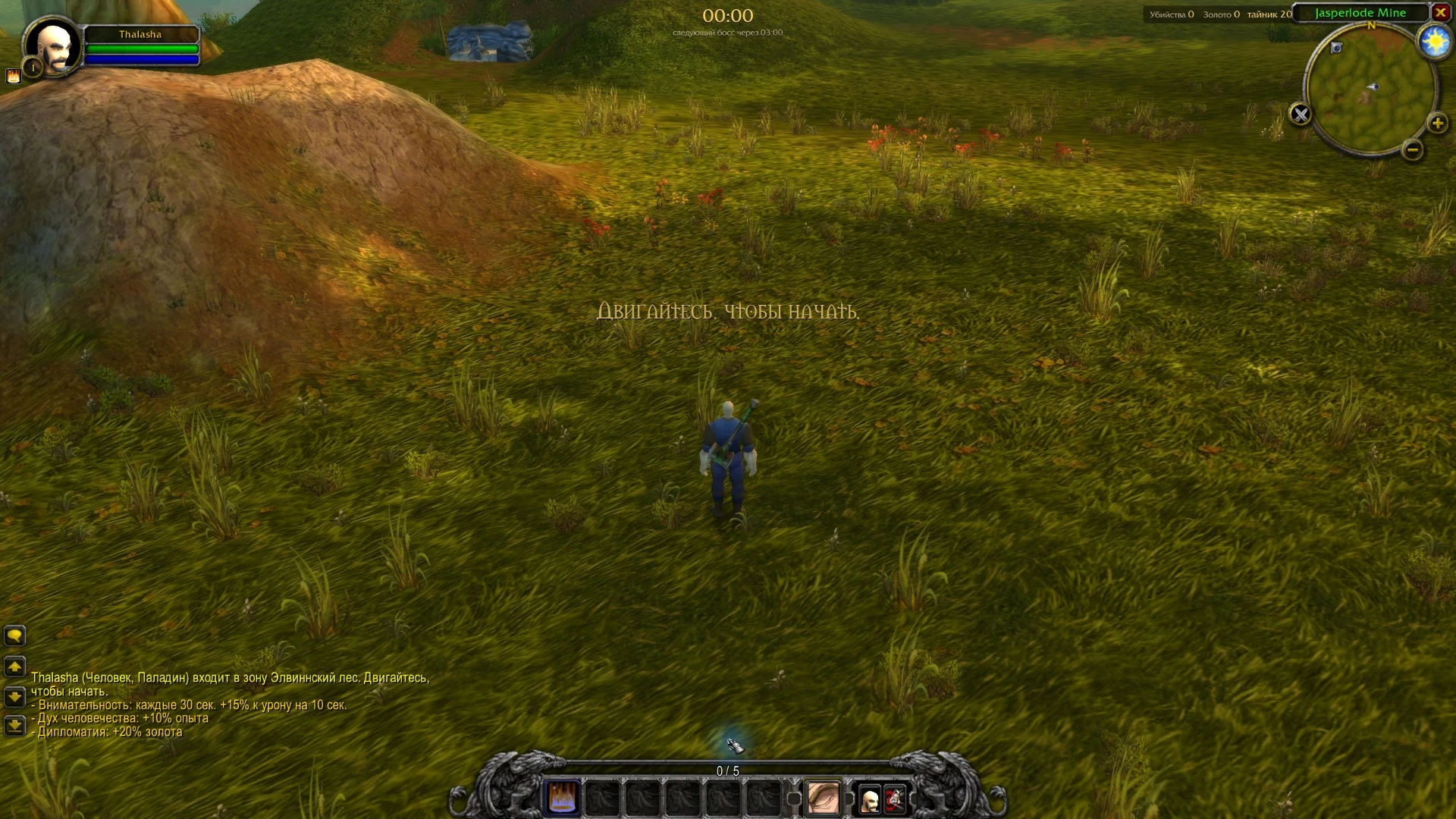
- Press the zone-entry button or Enter. Move to begin the run.
- Use WASD or both mouse buttons to move. Attacks are automatic.
- On level-up, choose an upgrade with the mouse or 1, 2, 3. Press R to reroll offered upgrades when a reroll is available.
- Escape opens pause and the menu. After a run, check your equipment and talents.
For co-op, open the co-op menu and create a lobby or join by code. Lobbies support up to 5 players and require compatible game versions. Lobby discovery and joining by code use the game's service. A shared session has not yet been verified.
Saves are stored in %APPDATA%\wenilla-rogue. Keep this folder when updating or reinstalling if you want to retain your progress.
Game at a glance
System requirements
Minimum
- OS
- Windows x64
Recommended
- OS
- Windows 10
- Processor
- Intel Core i5-3470, 4 cores
- Memory
- 8 GB
- Graphics
- NVIDIA GeForce GTX 750 Ti, 2 GB VRAM
- Disk space
- 2 GB
Similar games
All games →


Download Unite Gaming Launcher
Free for Windows 10 and 11. Installs in a couple of minutes — then the launcher updates itself.