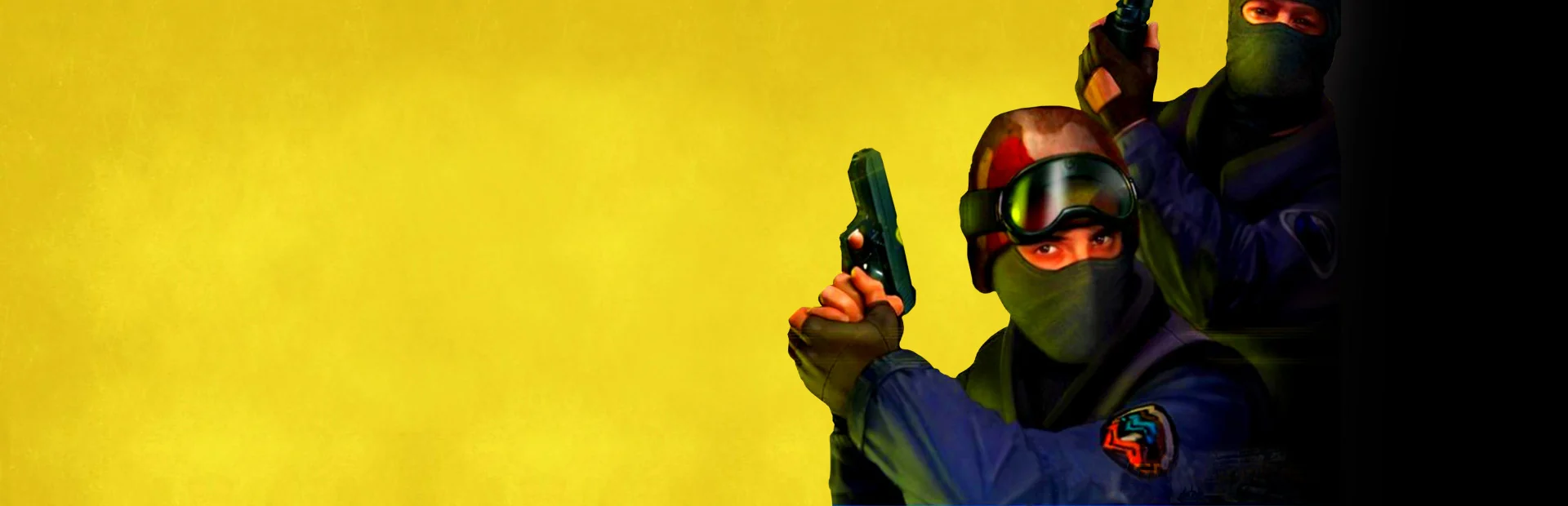
Counter-Strike 1.6 on Unite Gaming
Network playFirst-person shooter · Shooter
The legendary team shooter: terrorists against counter-terrorists. Plant the bomb, rescue the hostages and play with friends on the Unite server or in your own room.
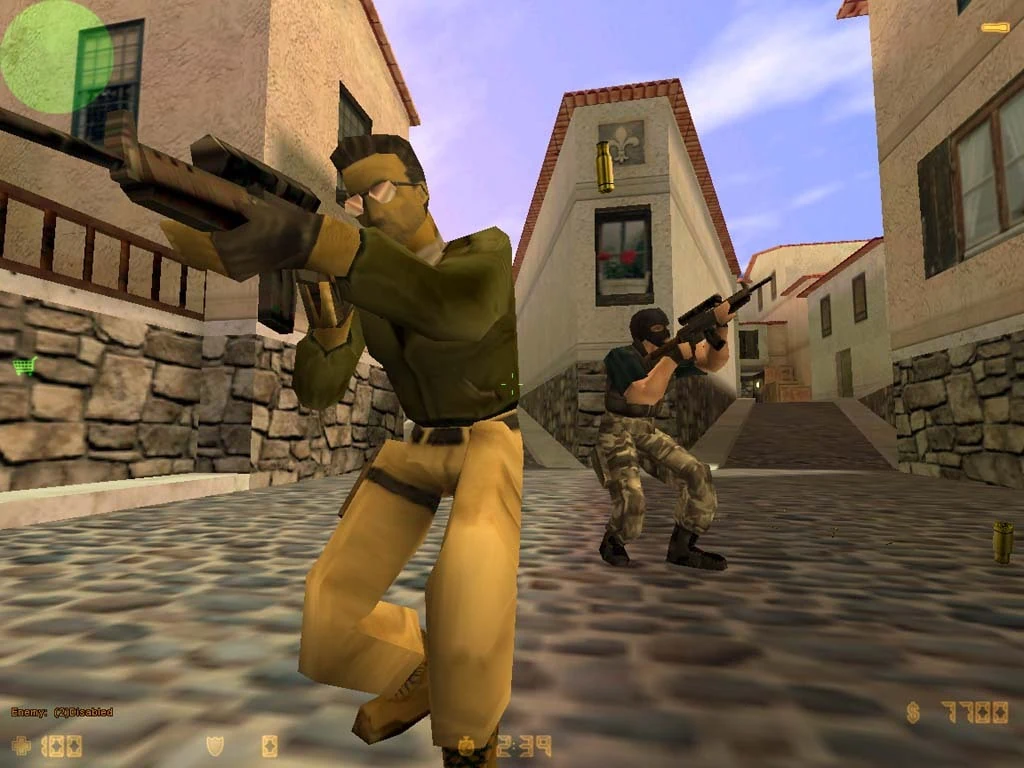
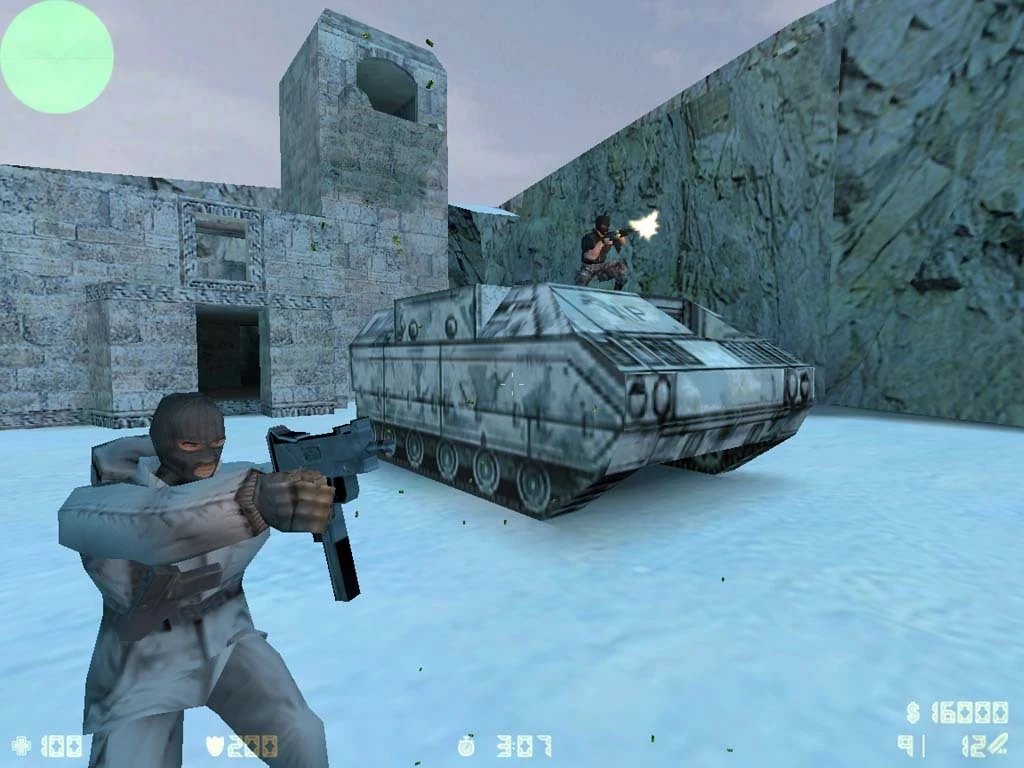
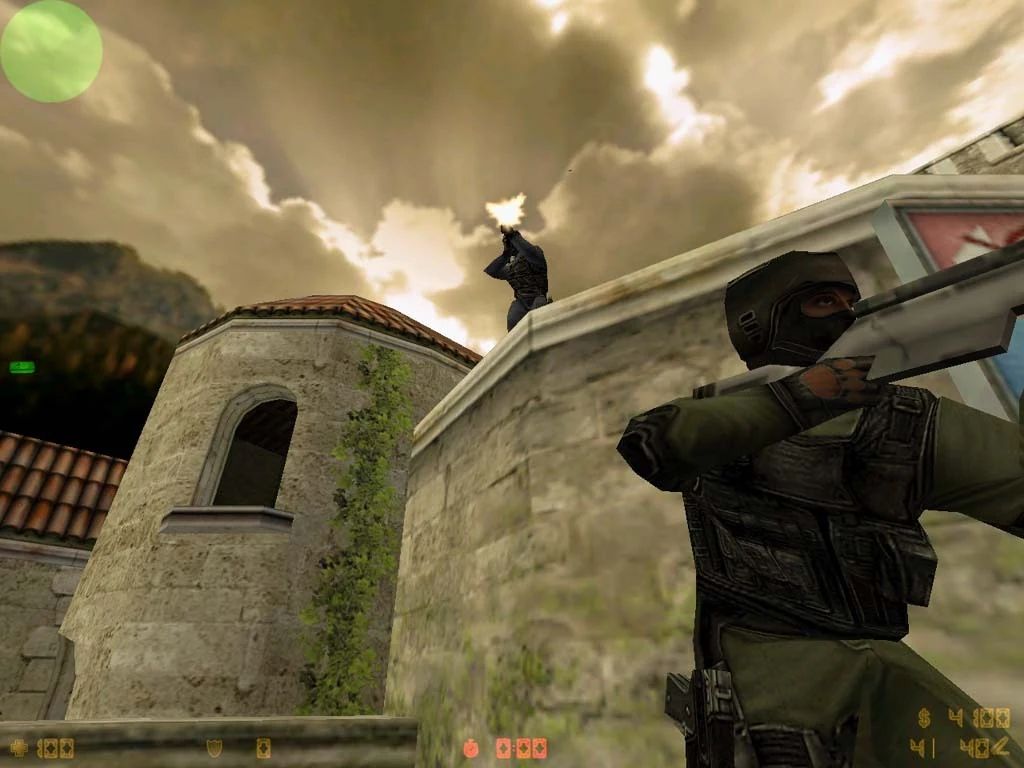
Screenshots
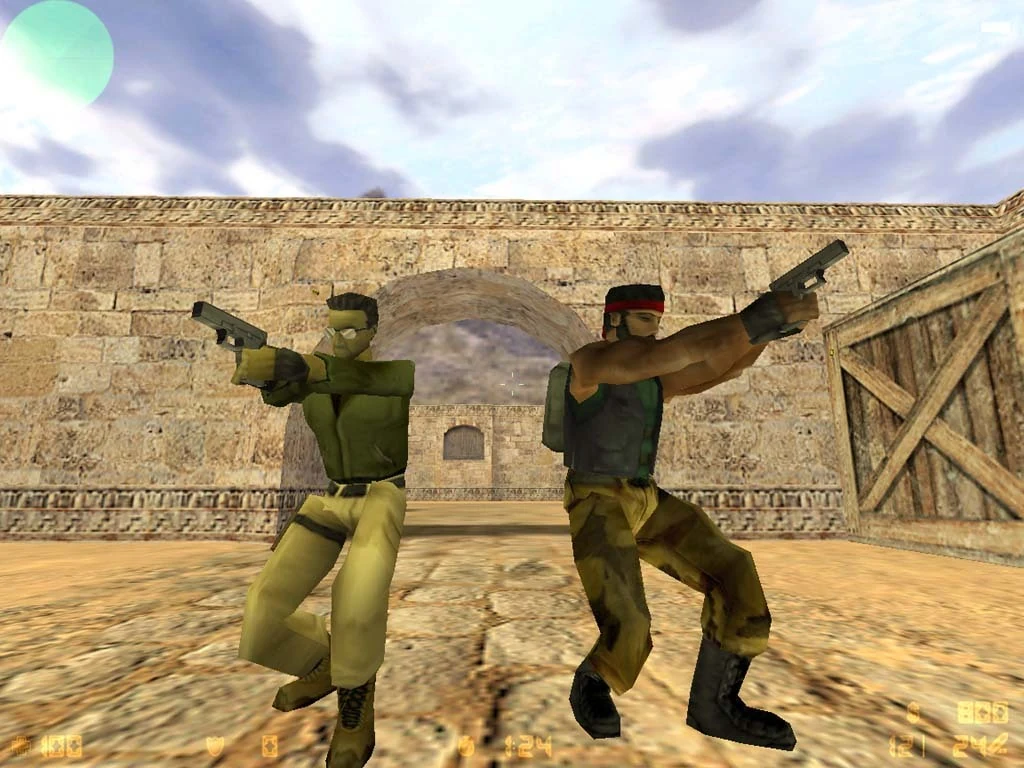
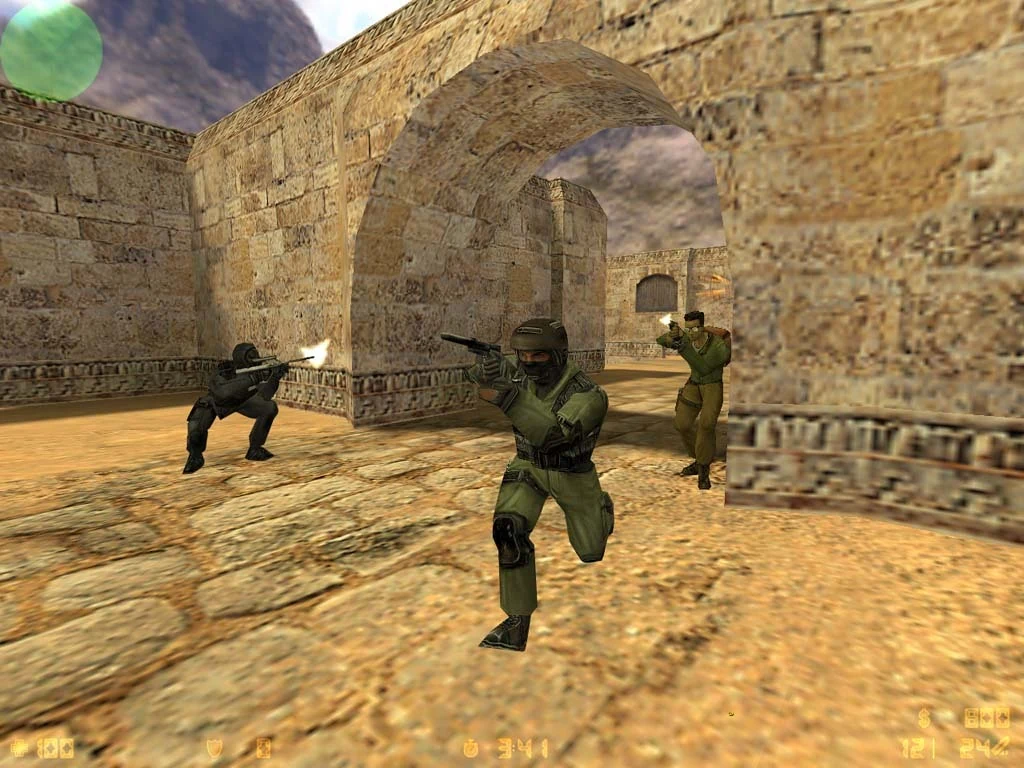
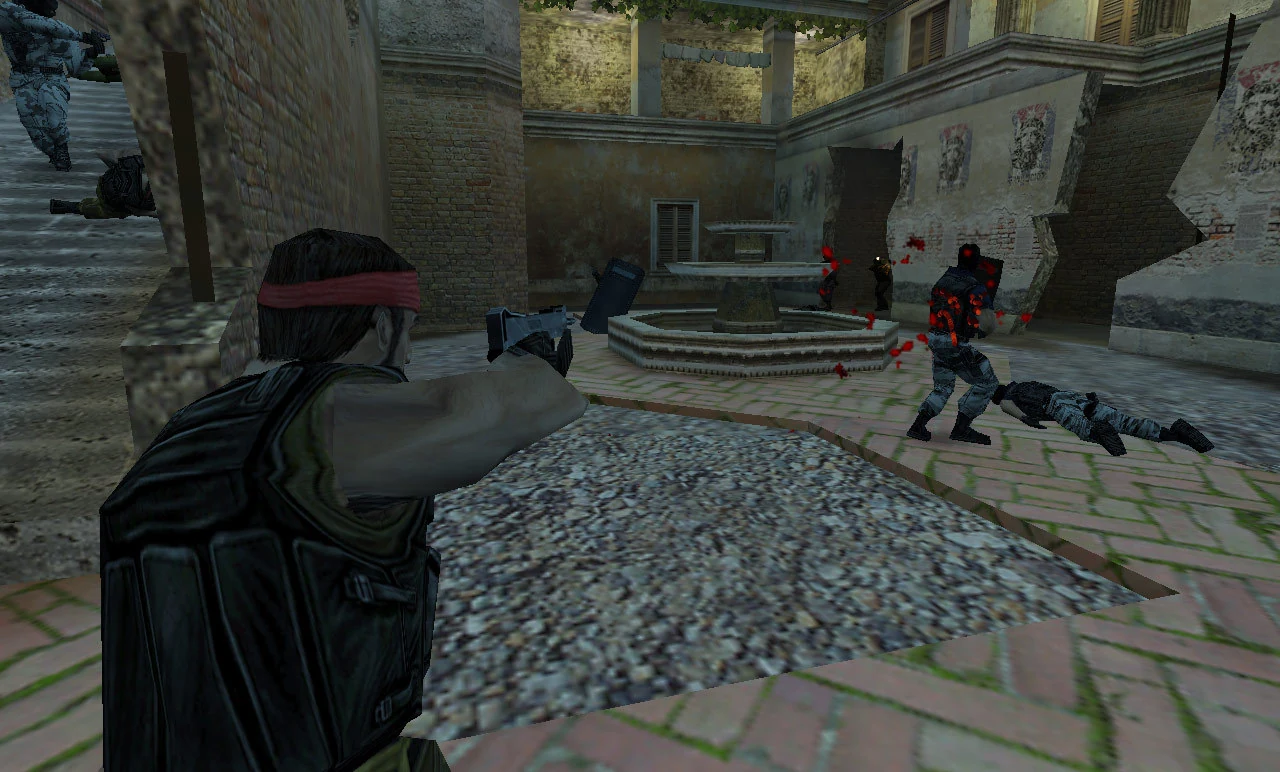
About the game
Counter-Strike 1.6 is the classic of team shooters and LAN clubs. Two teams fight in rounds:
- Terrorists plant the bomb or guard the hostages;
- Counter-terrorists defuse the bomb or rescue the hostages.
Winning rounds earns money for weapons and gear. The team that plays together wins, not the best shot.
Maps
de_dust2, de_inferno, de_nuke, de_train, cs_office, cs_italy and other famous maps.
On Unite Gaming
- The Unite server runs around the clock: join and play with whoever is online.
- Your own room is a LAN for your group: one player creates a game, the others find it on the LAN tab.
- Your in-game name comes from your Unite profile.
How to play
- Install the game in the launcher.
- Pick a launch option with the ▾ arrow next to Play:
- «Сервер Unite (10.77.0.60)» — the game joins our server right away;
- «Главное меню» — for playing with friends in a room.
- The Unite network must be connected, otherwise the server and your friends' games are not visible.
Playing with friends in a room
- Create a Counter-Strike 1.6 room or join a friend's room.
- One player picks New Game in the game menu and starts a server.
- The others open Find Servers → LAN and join.
Good to know
- Your in-game name is your Unite name; the launcher sets it on every start.
- If a game doesn't show up on the LAN tab, use the console (
~key):connect <your friend's Unite address>. - Servers cannot run commands on your PC (rebind keys, add adverts) — this is turned off in the Unite build.
GenreFirst-person shooter, Shooter
TypeNetwork play
Players2–32
Size0.5 GB
System requirements
Minimum
- OS
- Windows 10 / 11
- Processor
- 1 GHz
- Memory
- 512 MB
- Disk space
- 1 GB
Recommended
- OS
- Windows 10
- Processor
- Intel Core 2 Duo E8400, 2 cores
- Memory
- 2 GB
- Graphics
- NVIDIA GeForce GT 640, 256 MB VRAM
- Disk space
- 1 GB
Similar games
All games →
Get the PC app
Download Unite Gaming Launcher
Free for Windows 10 and 11. Installs in a couple of minutes — then the launcher updates itself.
Windows 10 and 11availableAndroidcoming soon