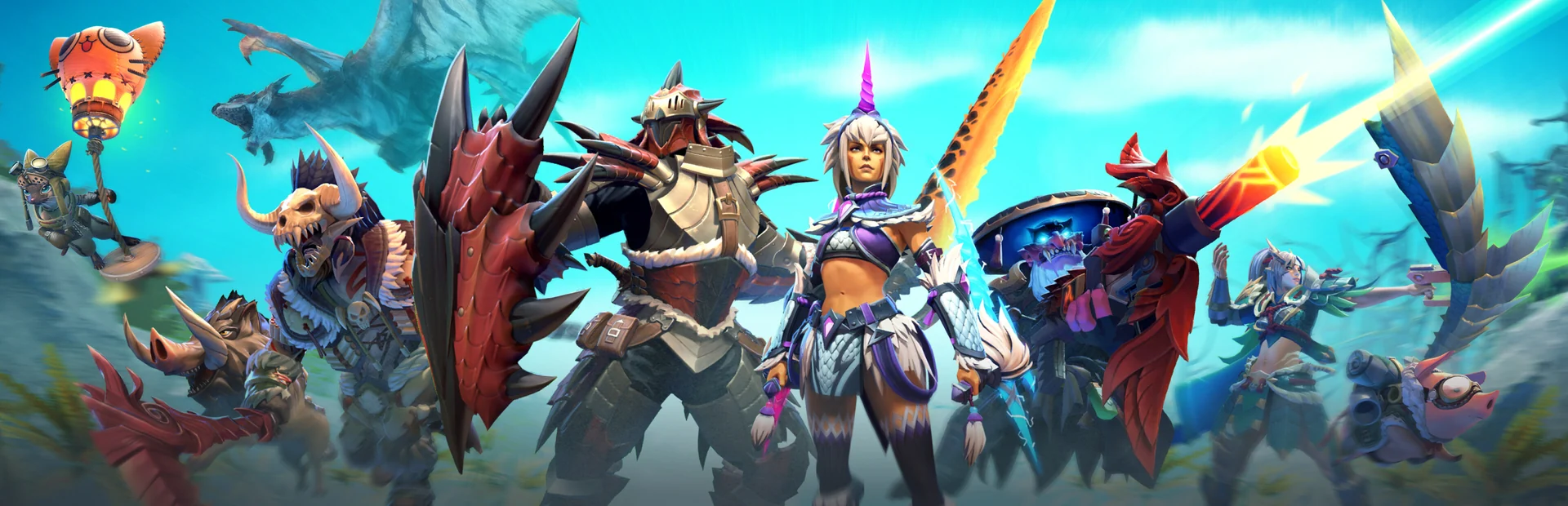
Dota 2 on Unite Gaming
Network playMOBA · Strategy
A 5v5 team strategy: pick one of over a hundred heroes, destroy the enemy throne and defend your own. Matches run on Unite servers with your friends.
Screenshots
About the game
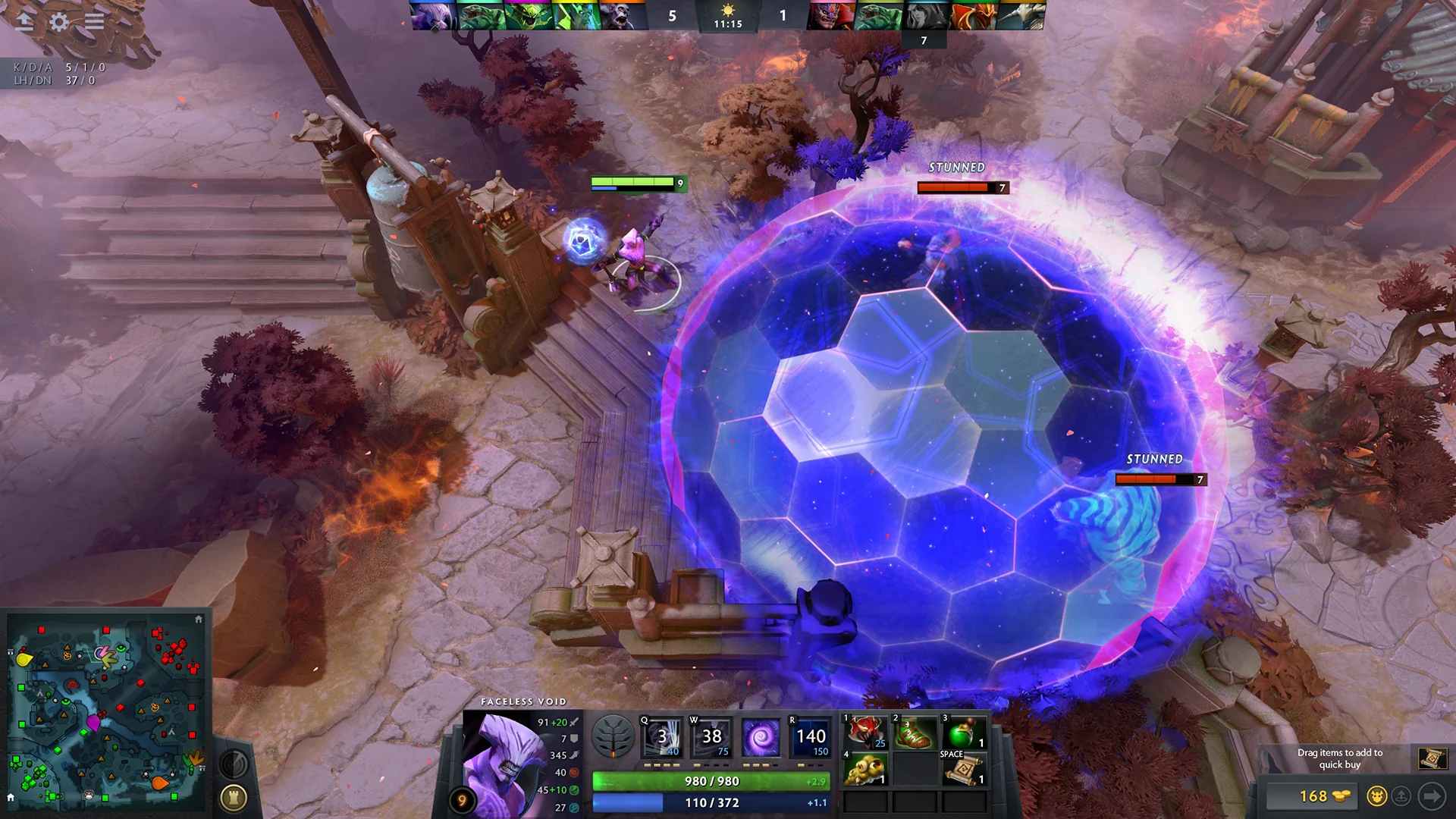
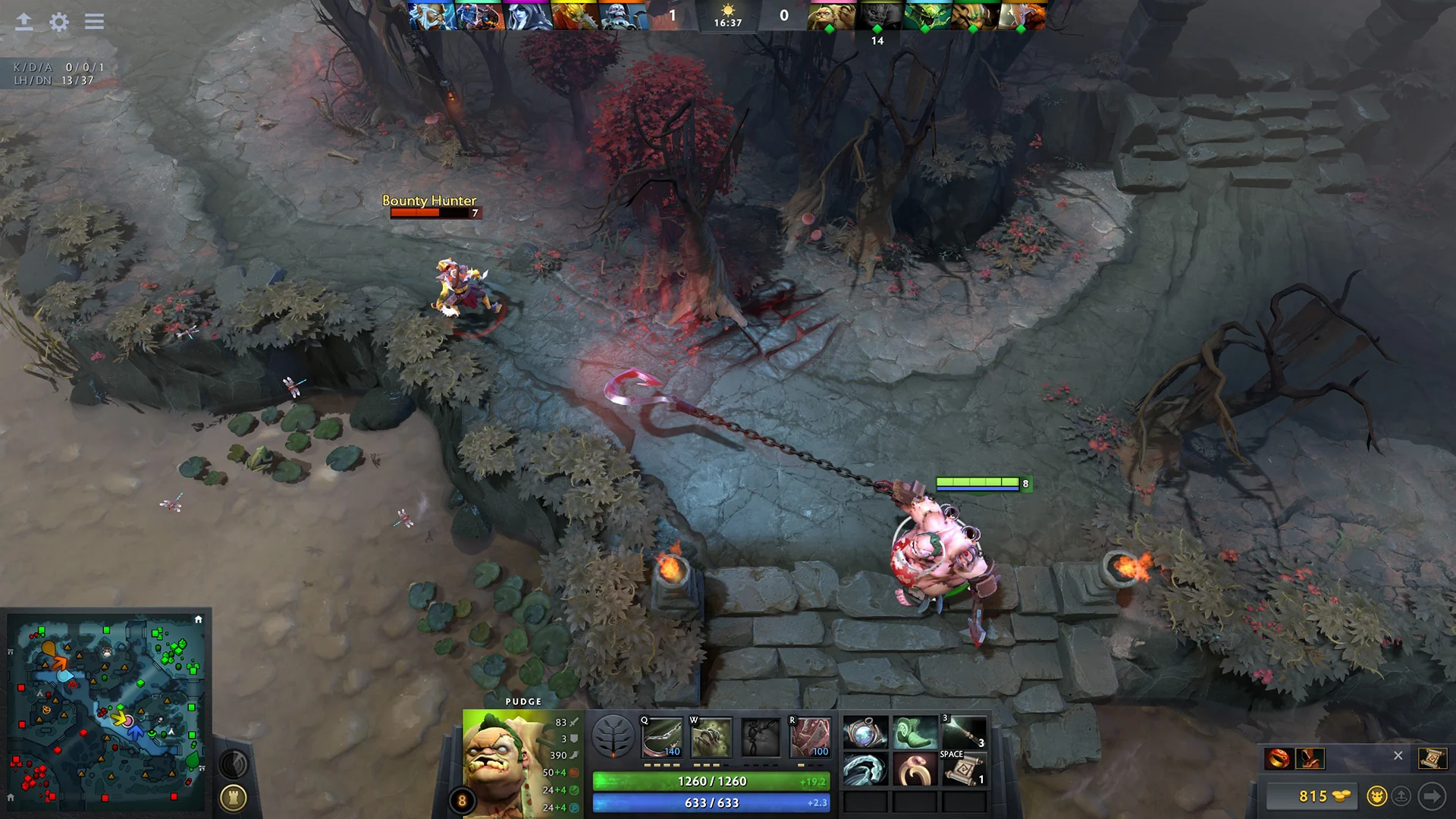
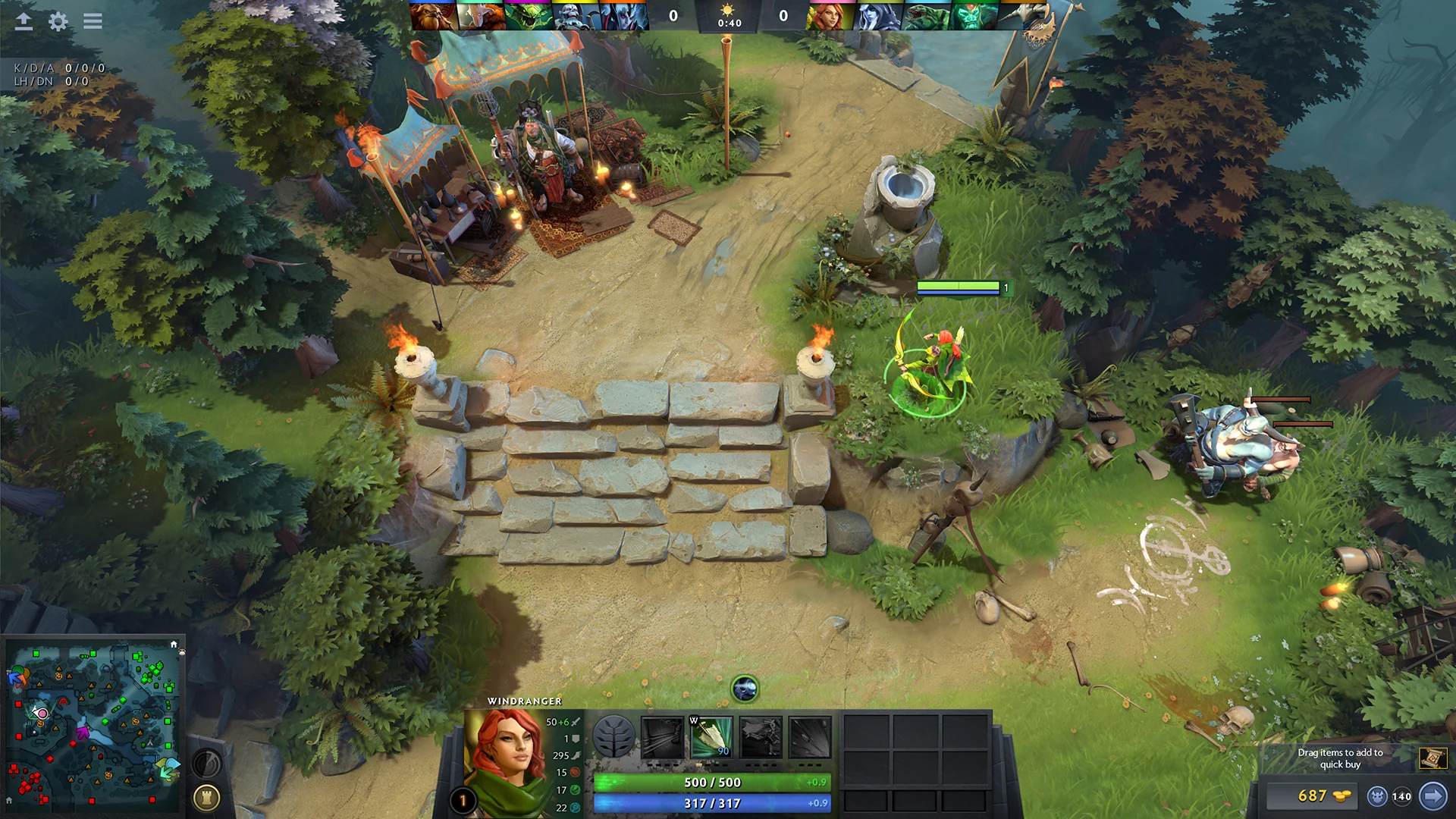
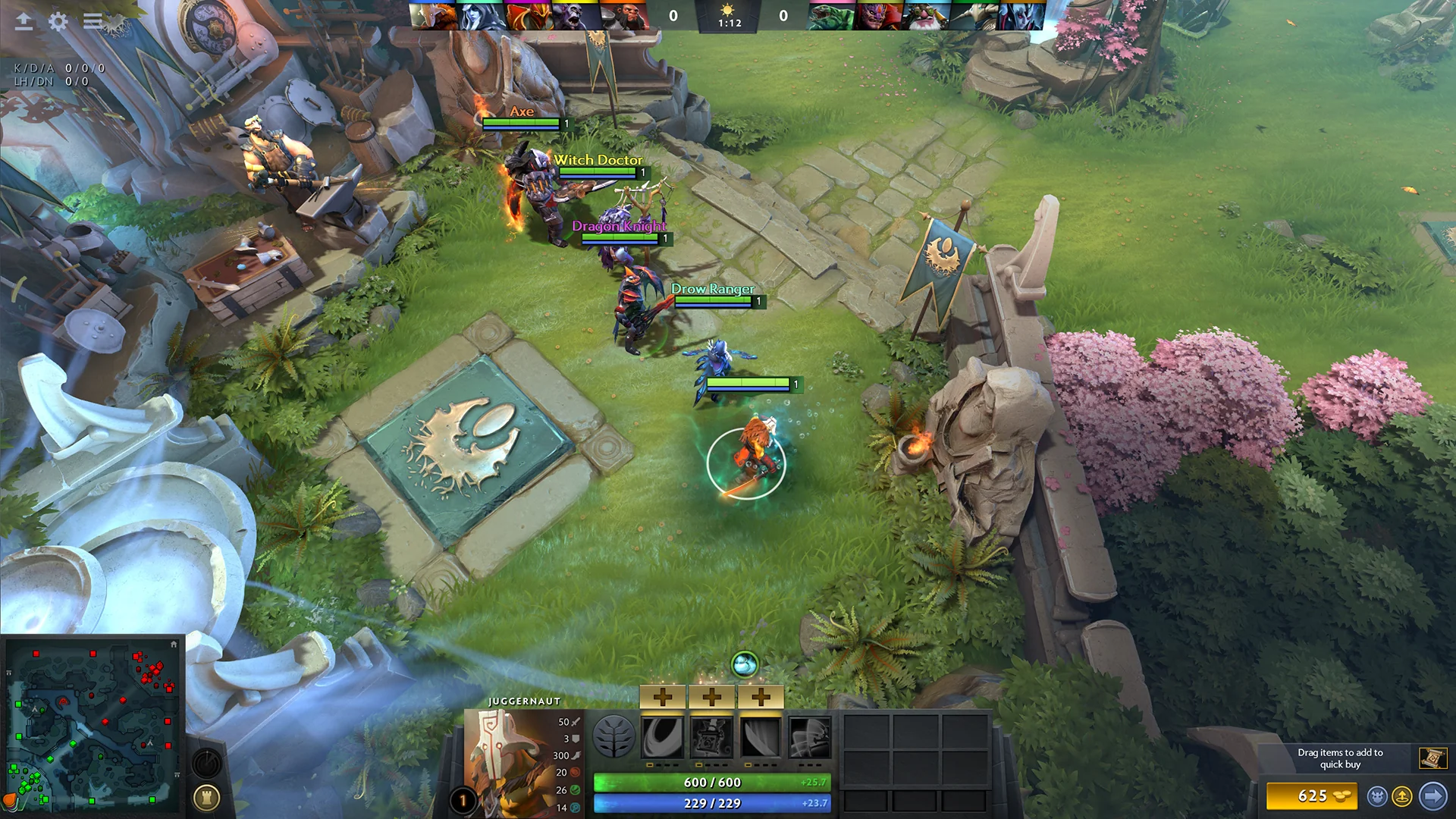
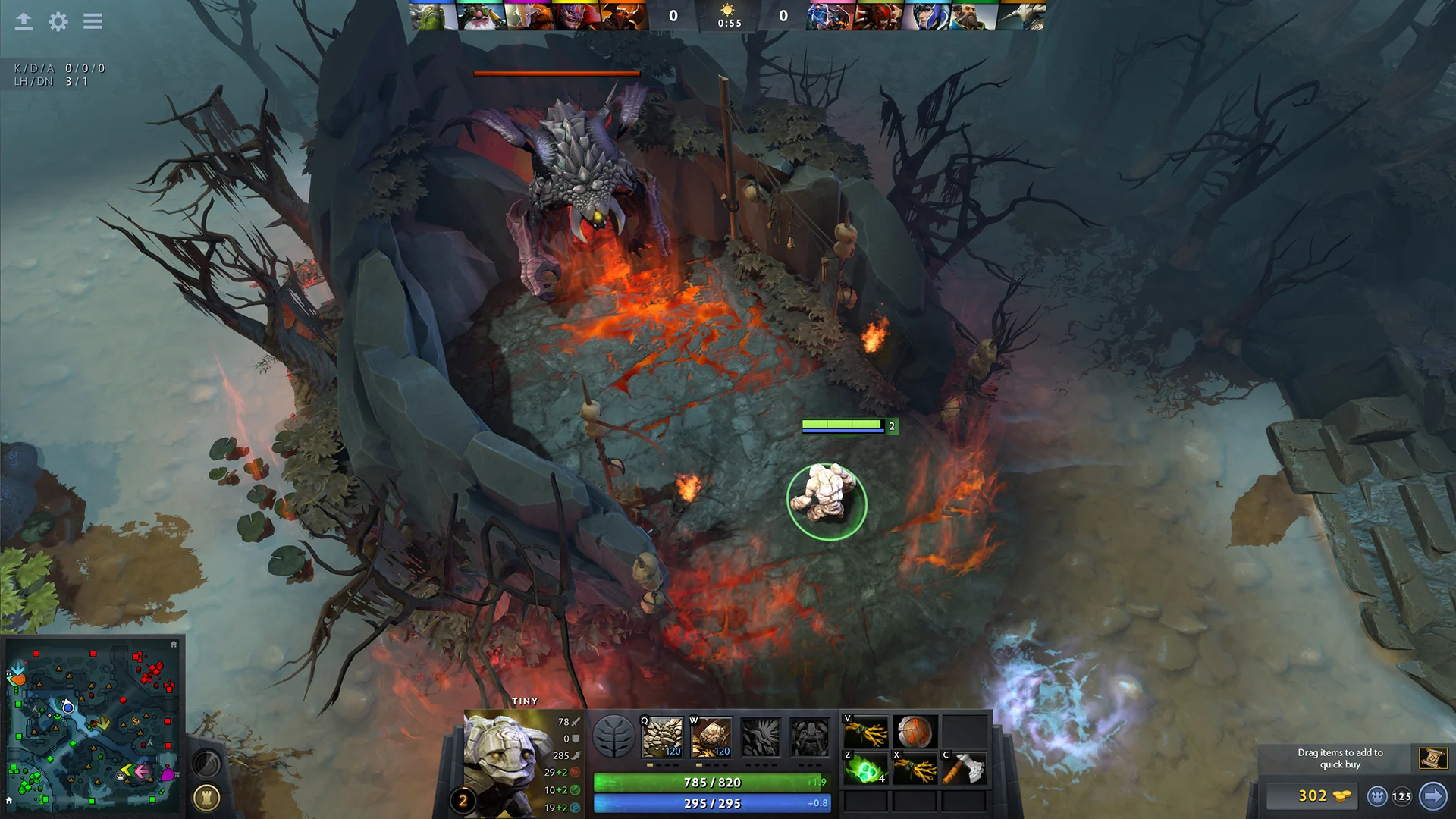
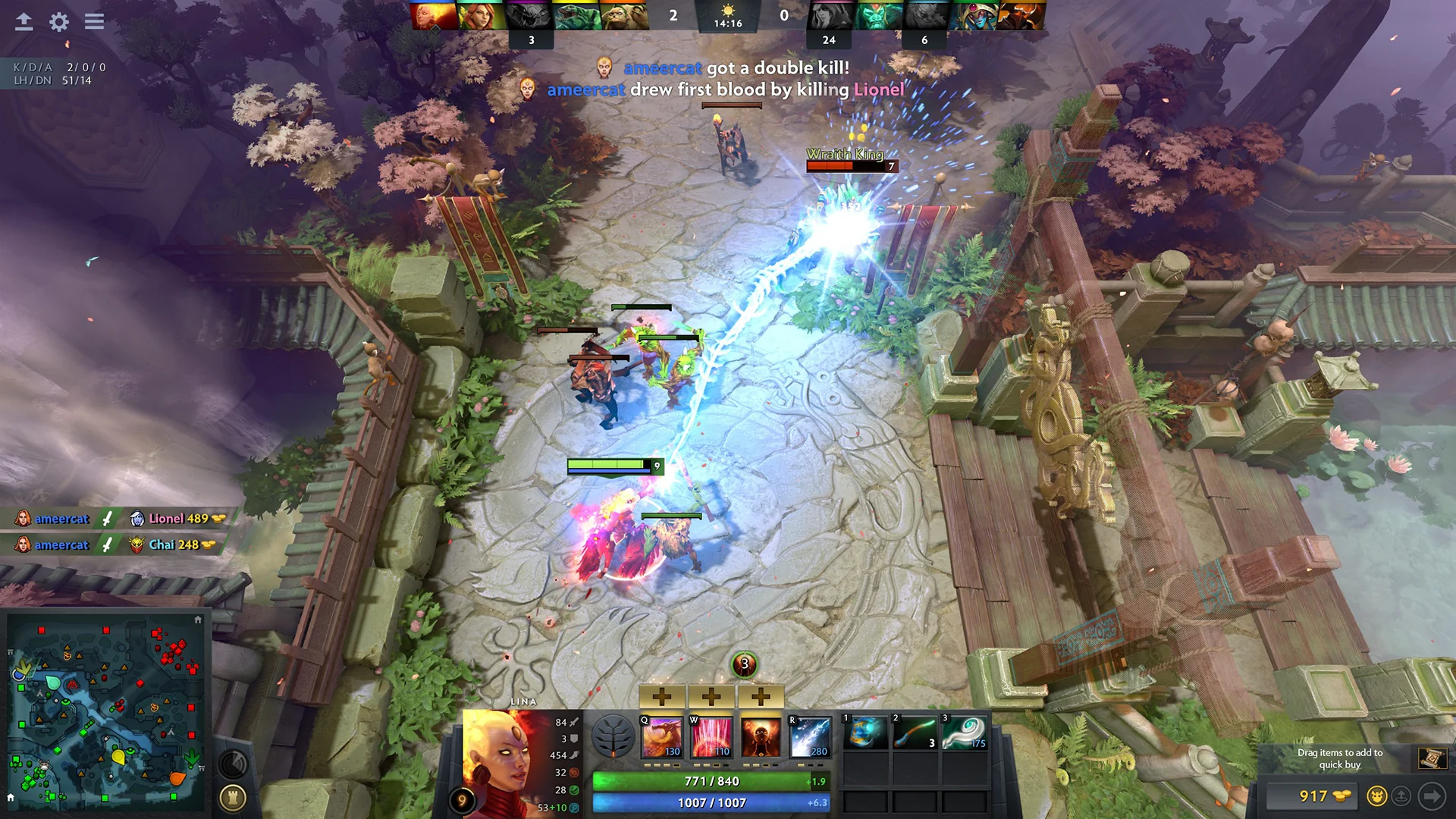
Dota 2 is a team strategy where two teams of five fight over the map. Each side has a base with its Ancient (the throne); the first to destroy the enemy's wins.
- Over a hundred heroes — each with its own abilities and role: carry, support, tank, initiator.
- Items and gold — farm, buy items and grow your hero during the match.
- Team play — the best team wins, not the strongest player.
The game is free and updated all the time.
Matches on Unite servers
On Unite Gaming a match runs on our server: gather your friends in a room, take seats in the teams, and a Dota server starts by itself, just for your room. Line-ups from 1v1 to 5v5 work.
How to play
- Install Dota 2 through Steam — there is nothing to download in Unite.
- Create a Dota 2 room or join a friend's room.
- On the Dota 2 match tab (a Dota 2 room opens it by itself) press Link Steam and sign in on the Steam site.
- Take a seat in the Radiant or Dire team.
- Press I'm ready. The room owner picks the team size (1v1 to 5v5) and the mode, then presses Start match — it is enabled once every seat is taken, everyone linked Steam and everyone is ready.
- The server starts by itself, Dota opens and connects by itself. In Dota pick the side the launcher shows.
Good to know
- No Steam launch options to set — the launcher passes them.
- Line-ups from 1v1 to 5v5 work.
- Close Dota before the match starts: the launcher opens and connects it itself. If the game was already open or crashed, press Launch Dota in the room.
- If Dota did not open, check that Steam is running and you are signed in.
GenreMOBA, Strategy
TypeNetwork play
Players2–10
Size0.0 GB
System requirements
Minimum
- OS
- Windows 10 / 11
- Memory
- 4 GB (recommended 8 GB)
- Graphics
- NVIDIA GeForce 8600/9600GT or AMD Radeon HD 2600/3600, DirectX 11
- Disk space
- 60 GB
Recommended
- OS
- Windows 10
- Processor
- Intel Core i5-4460, 4 cores
- Memory
- 8 GB
- Graphics
- NVIDIA GeForce GTX 1050, 2 GB VRAM
- Disk space
- 60 GB
Similar games
All games →

Get the PC app
Download Unite Gaming Launcher
Free for Windows 10 and 11. Installs in a couple of minutes — then the launcher updates itself.
Windows 10 and 11availableAndroidcoming soon