Command & Conquer: Generals Zero Hour on Unite Gaming
Network playReal-time strategy · Strategy
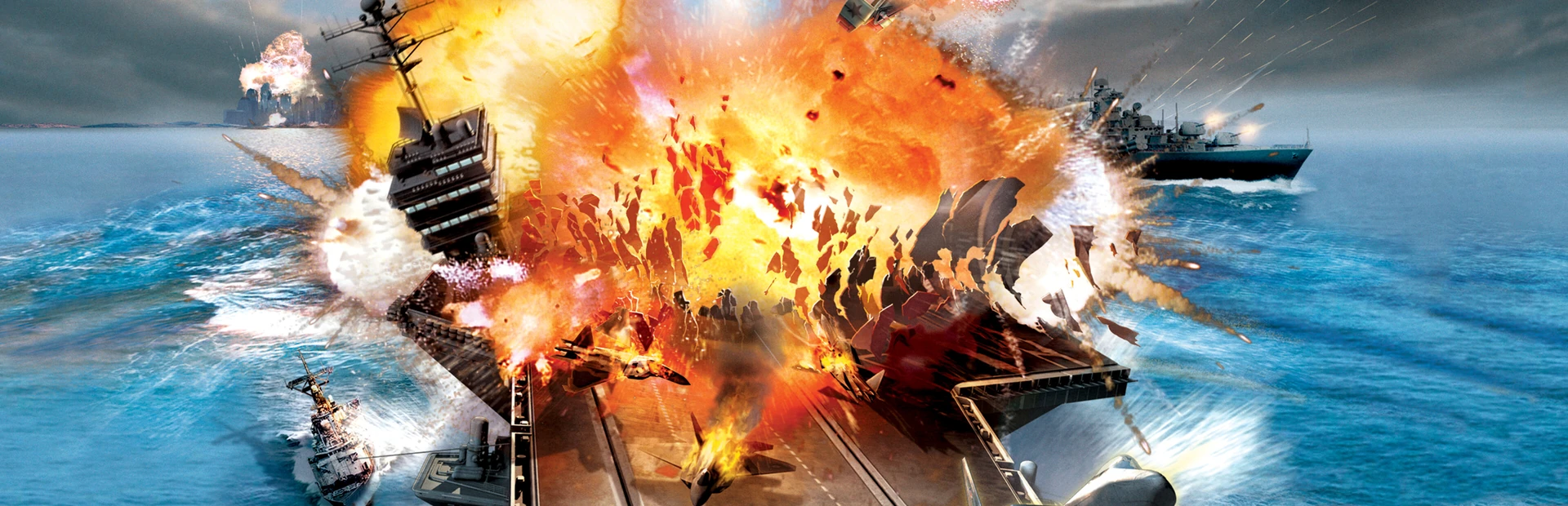
The legendary real-time strategy: the USA, China and the GLA fight over the world. Includes Generals and the Zero Hour expansion with new generals, units and the Generals Challenge.
Screenshots
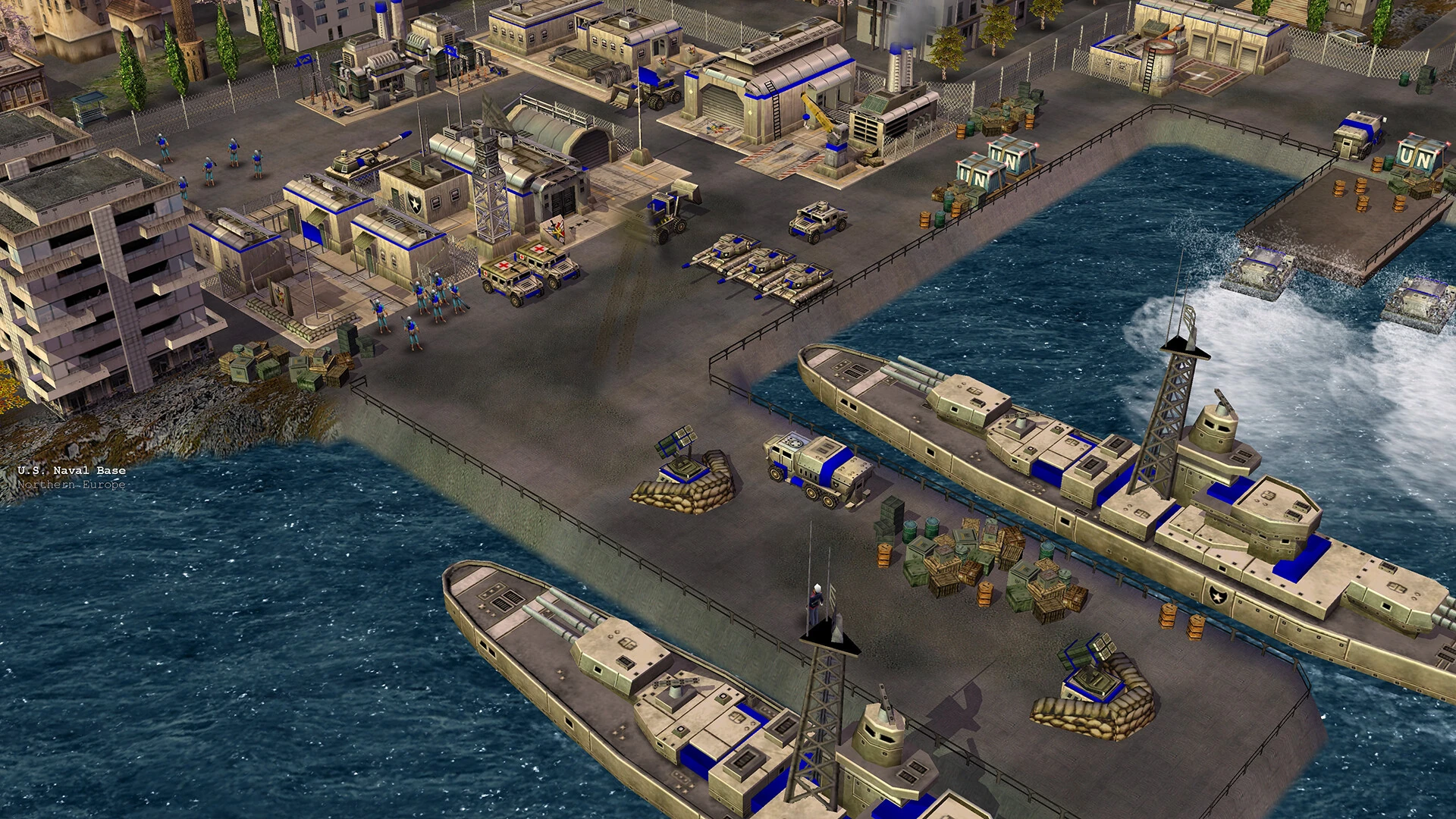
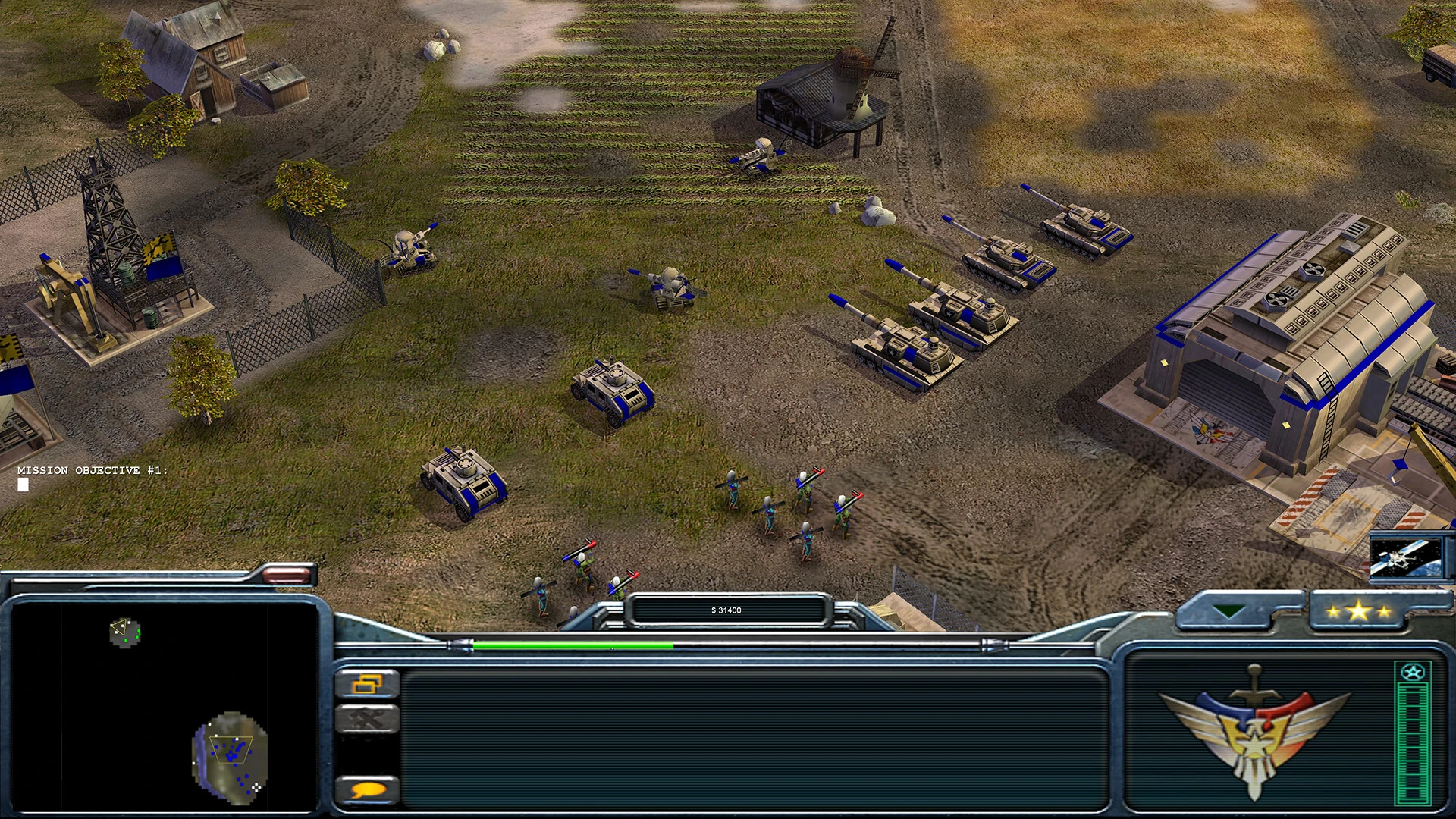
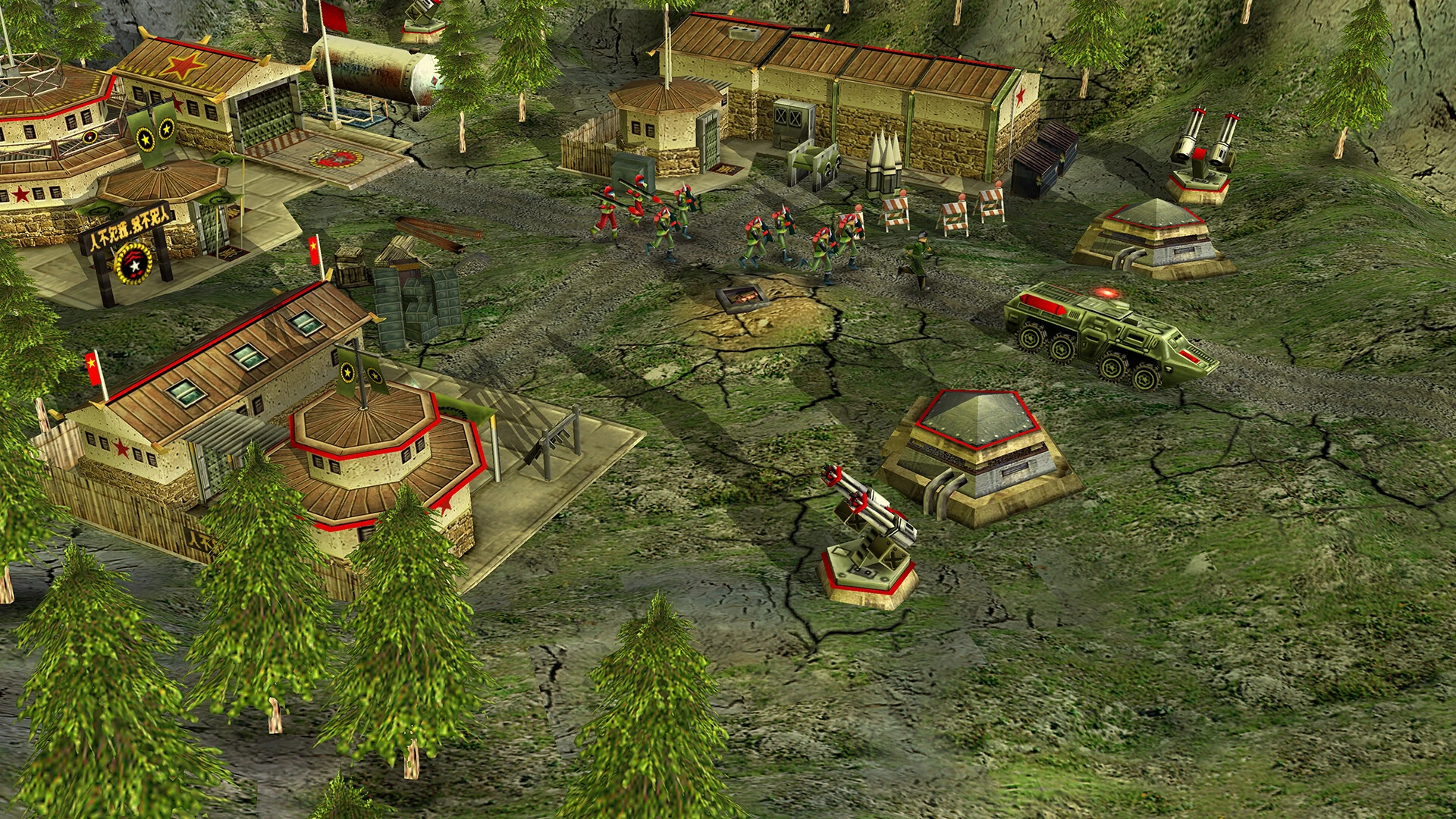
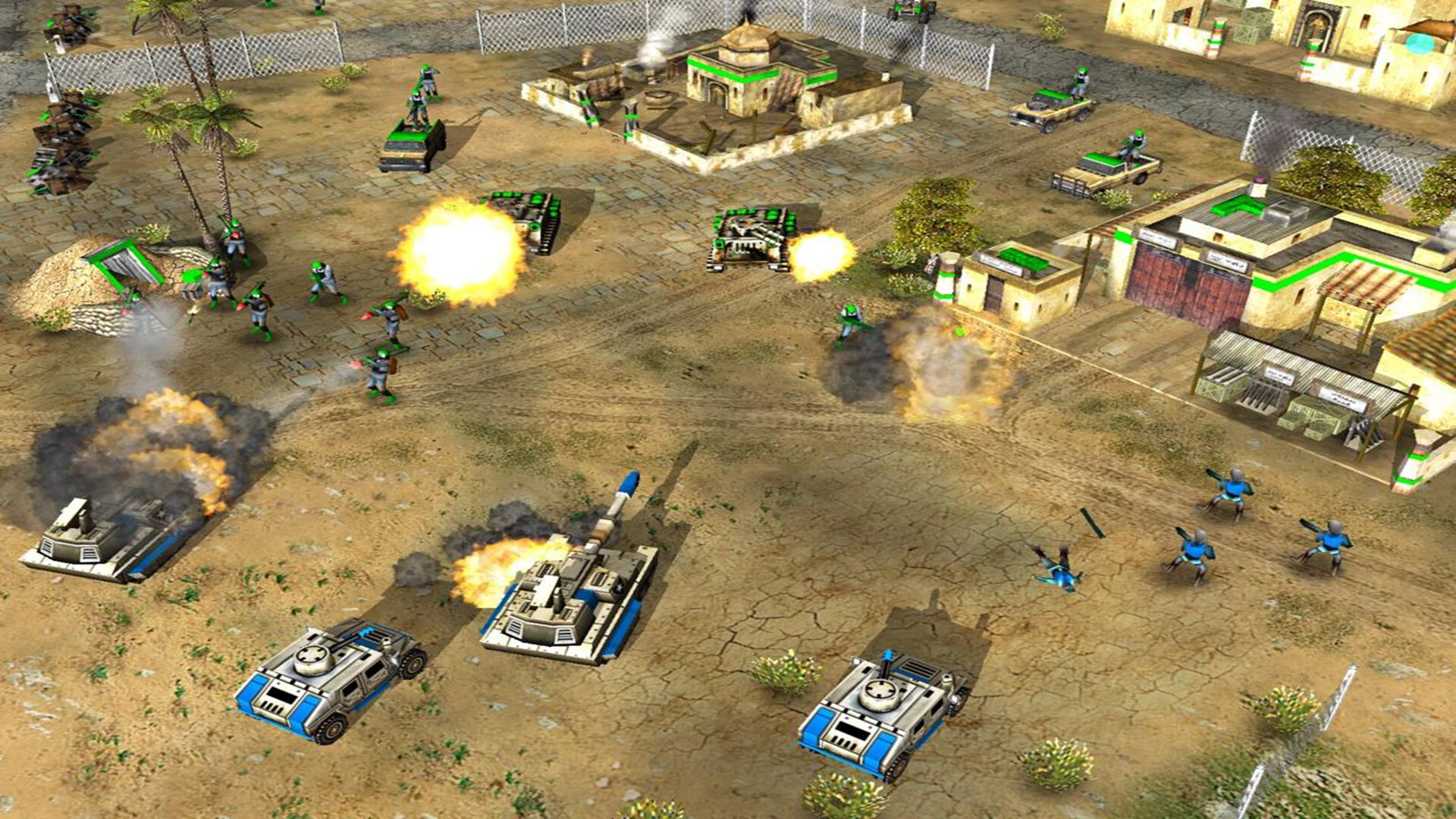
About the game
Command & Conquer: Generals is a real-time strategy about a near-future war. Three sides with very different styles:
- USA — high technology, air power, lasers and precision strikes;
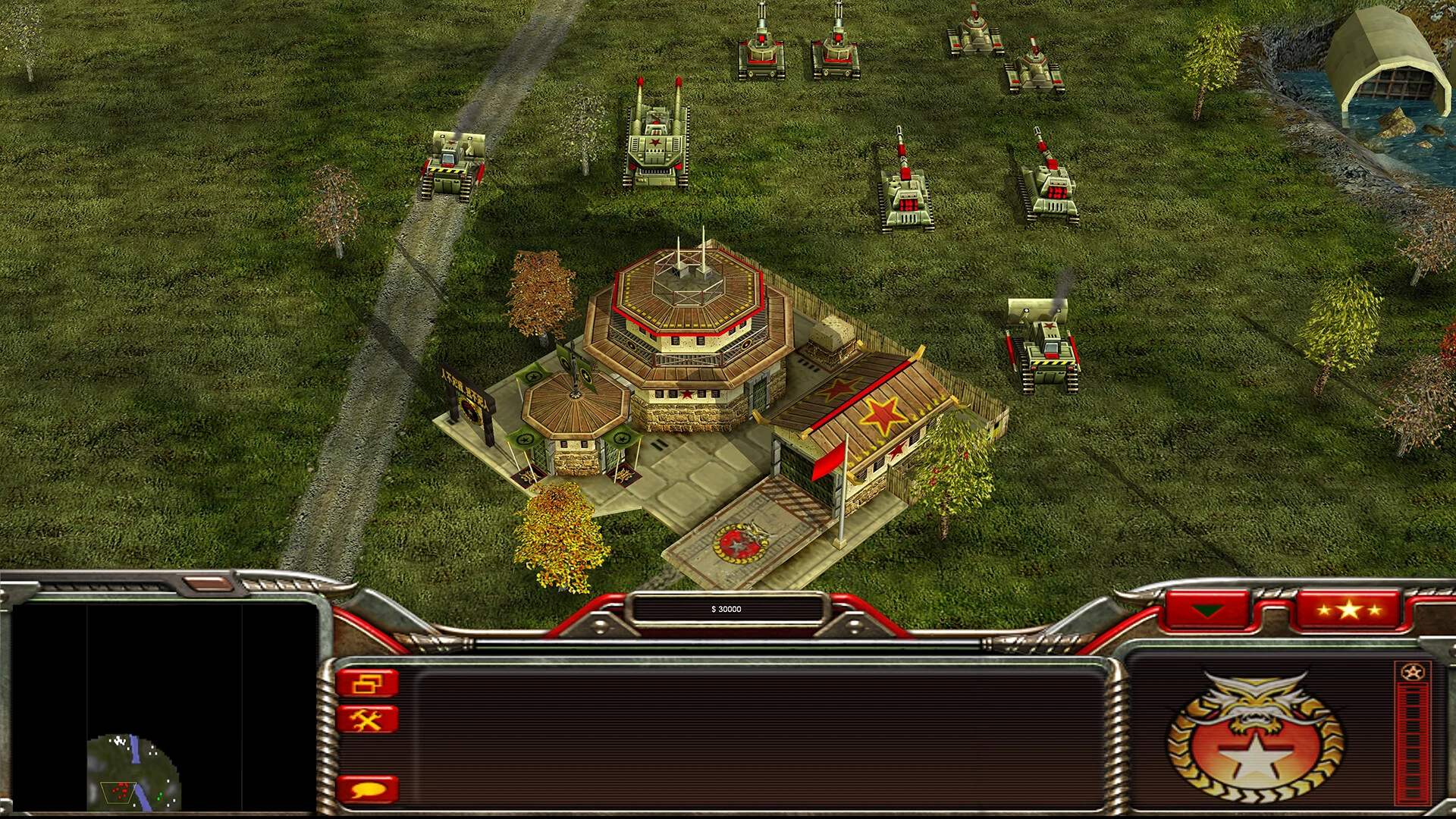
- China — massed tank armies, artillery and nuclear weapons;
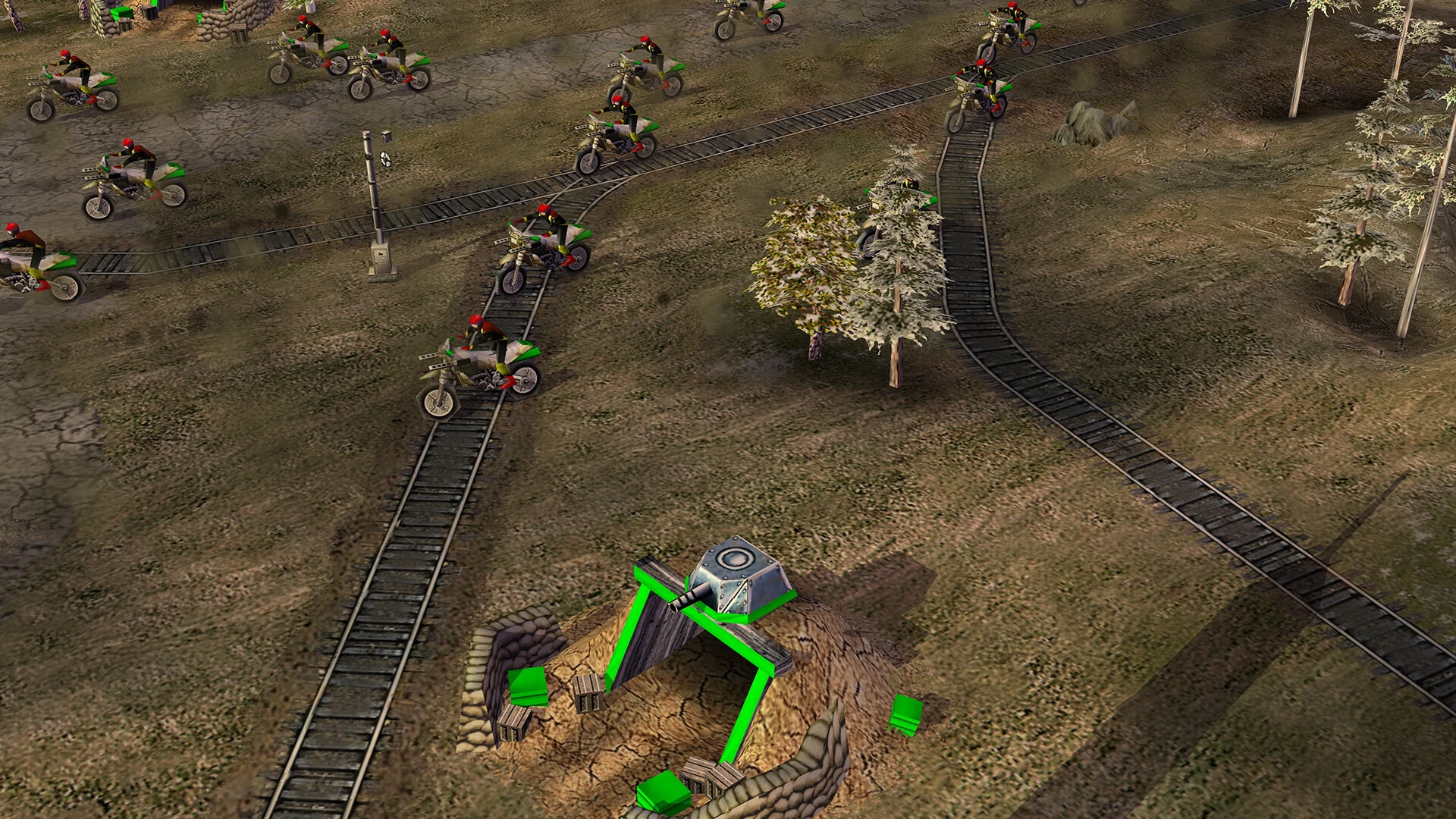
- GLA — guerrillas, traps, improvised vehicles and stealth attacks.
Build a base, gather resources, promote your general and use his special powers, from carpet bombing to a nuclear strike.
Zero Hour
The Zero Hour expansion adds:
- nine generals — three per side, each with his own units and style;
- new units, buildings and powers;
- the Generals Challenge — a series of battles against computer generals;
- new maps for network play.
Network play
Generals and Zero Hour are LAN-club classics: up to 8 players on one map, in teams or free for all. With Unite Gaming you play with friends as if you were in the same room.
How to play
- Create a room on the game page or join a friend's room.
- Press Play. Zero Hour starts by default; pick the original Generals with the ▾ arrow next to the button.
- In the game open Multiplayer → Network. The launcher has already chosen your Unite network address — nothing to change.
- One player creates a game, the others see it in the list and join.
Good to know
- You can only play together in the same part: everyone in Zero Hour or everyone in Generals.
- The launcher updates the game to the right version itself, so everyone in a room has the same one.
- Change the screen resolution in the game: Options → Resolution.
- If you don't see your friend's game, check that you are in the same room and both connected to the Unite network.
GenreReal-time strategy, Strategy
TypeNetwork play
Players1–8
Size1.5 GB
System requirements
Minimum
- OS
- Windows 10 / 11
- Processor
- 2,2 GHz, Intel or AMD
- Memory
- 1 GB (recommended 4 GB)
- Disk space
- 3 GB
Recommended
- OS
- Windows 10
- Processor
- Intel Core i3-2100, 2 cores
- Memory
- 4 GB
- Graphics
- Intel HD Graphics 520, 512 MB VRAM
- Disk space
- 3 GB
Similar games
All games →
Get the PC app
Download Unite Gaming Launcher
Free for Windows 10 and 11. Installs in a couple of minutes — then the launcher updates itself.
Windows 10 and 11availableAndroidcoming soon