Warcraft III on Unite Gaming
Network playReal-time strategy · Strategy · MOBA
Blizzard's legendary strategy game with The Frozen Throne expansion, version 1.28.5. Your own lobby in a couple of clicks: Unite hosts keep the game on a server, DotA maps are ready and you can upload your own. Play with friends over the Unite network.
Screenshots
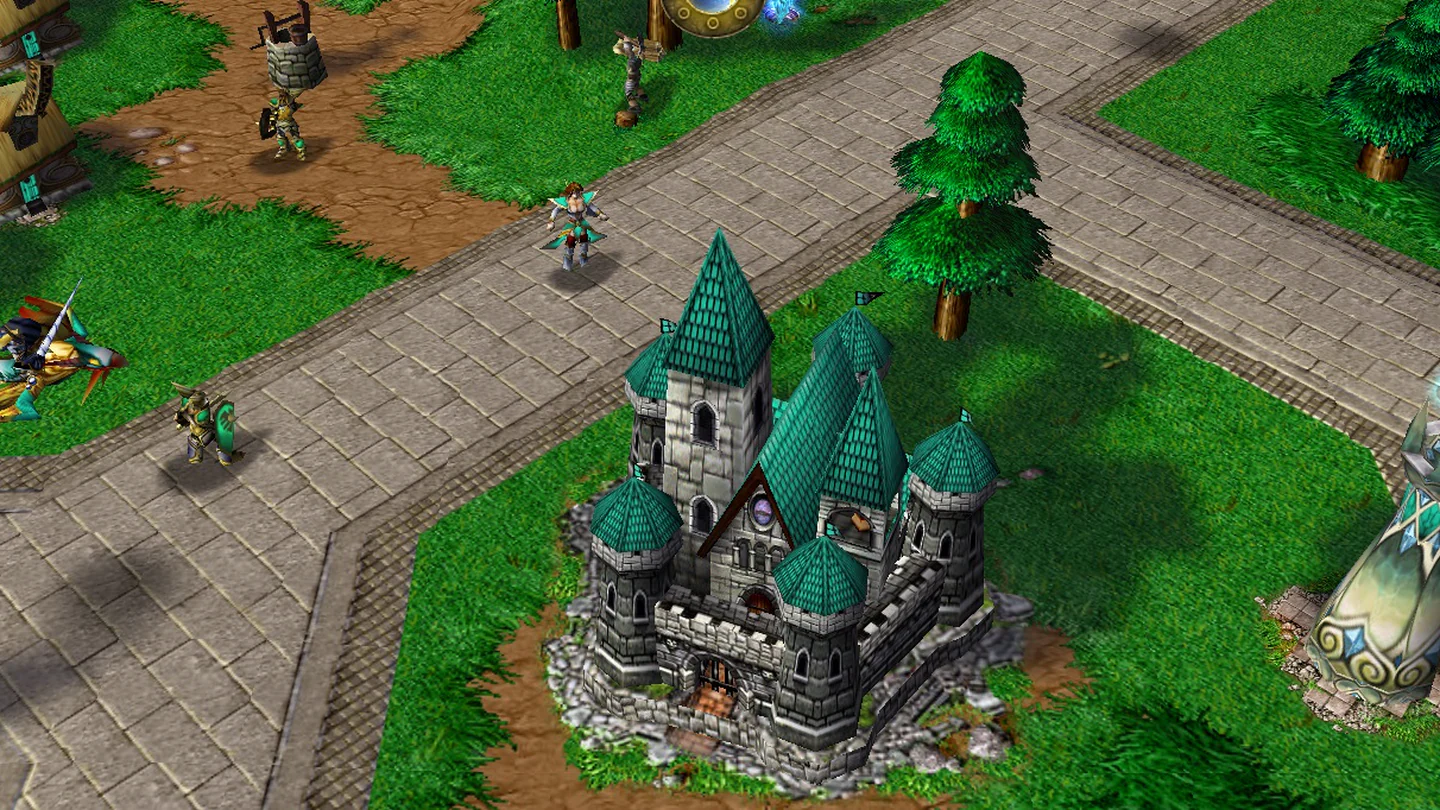
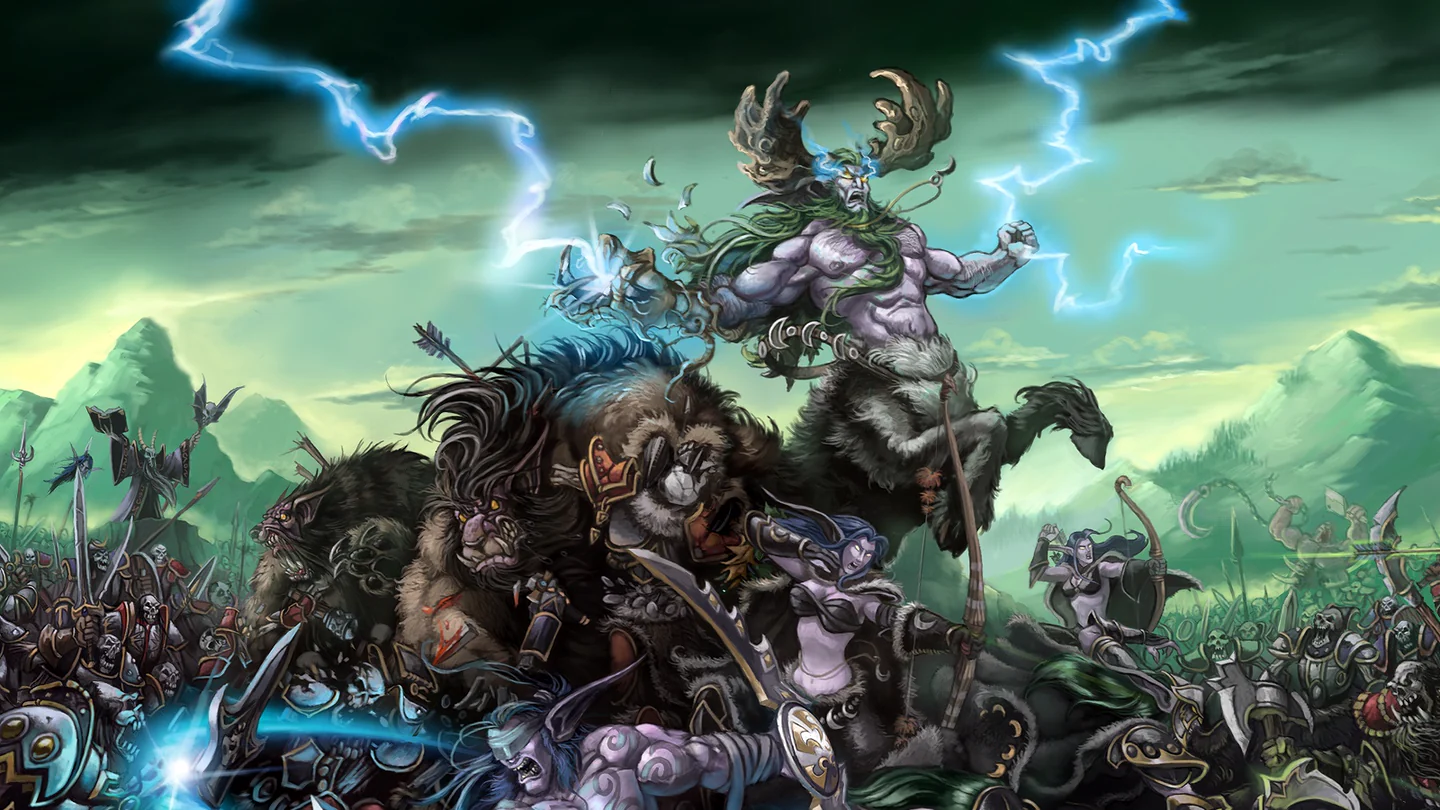
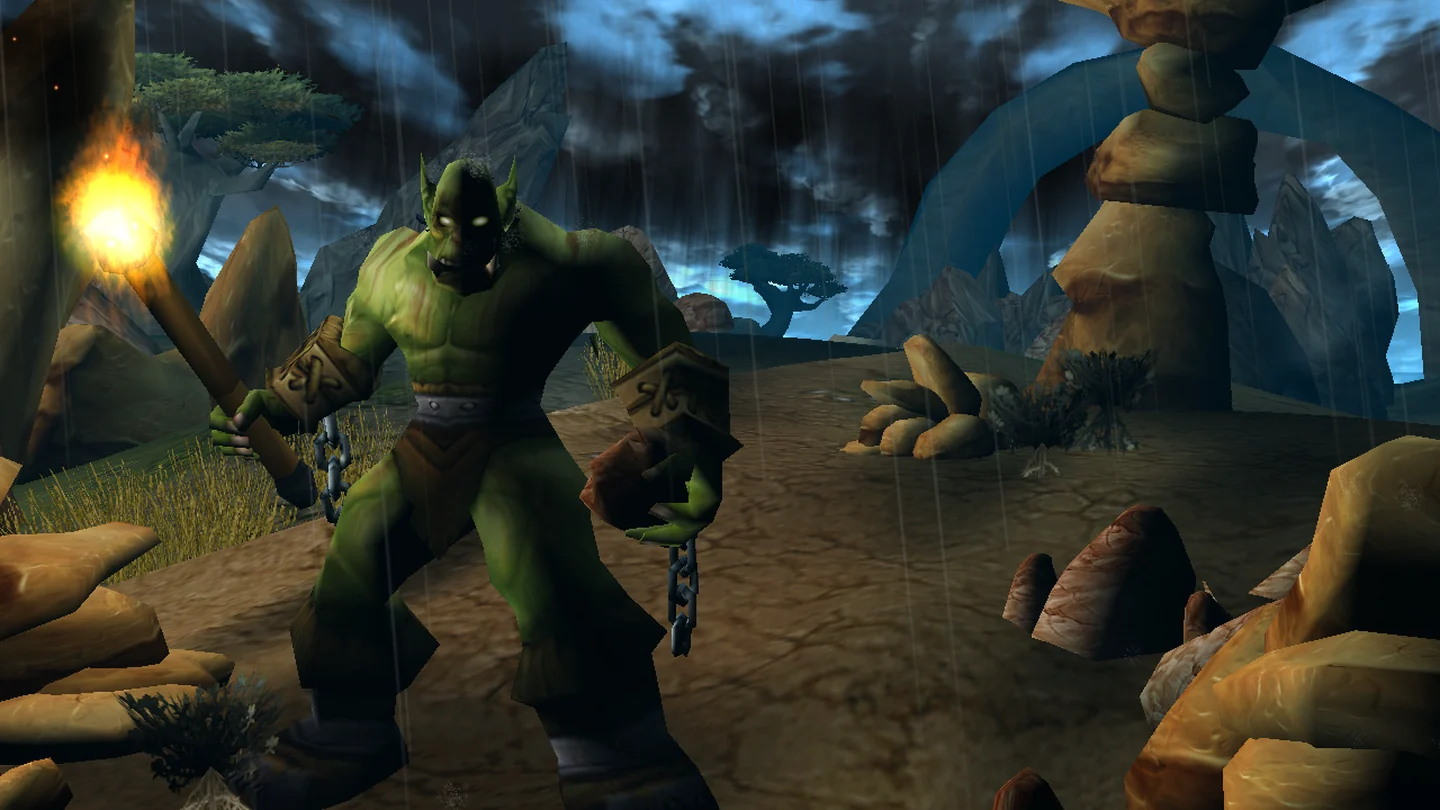
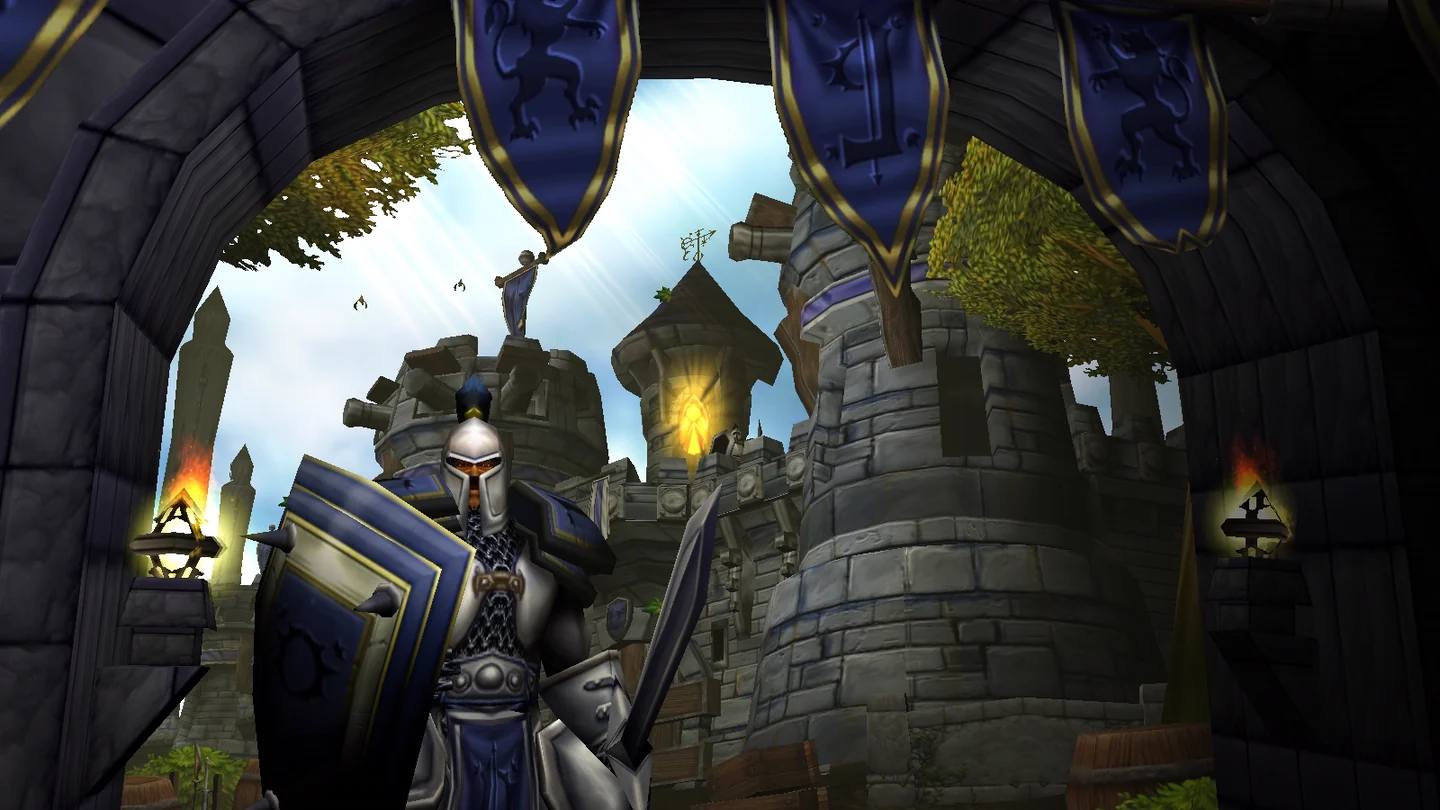
About the game
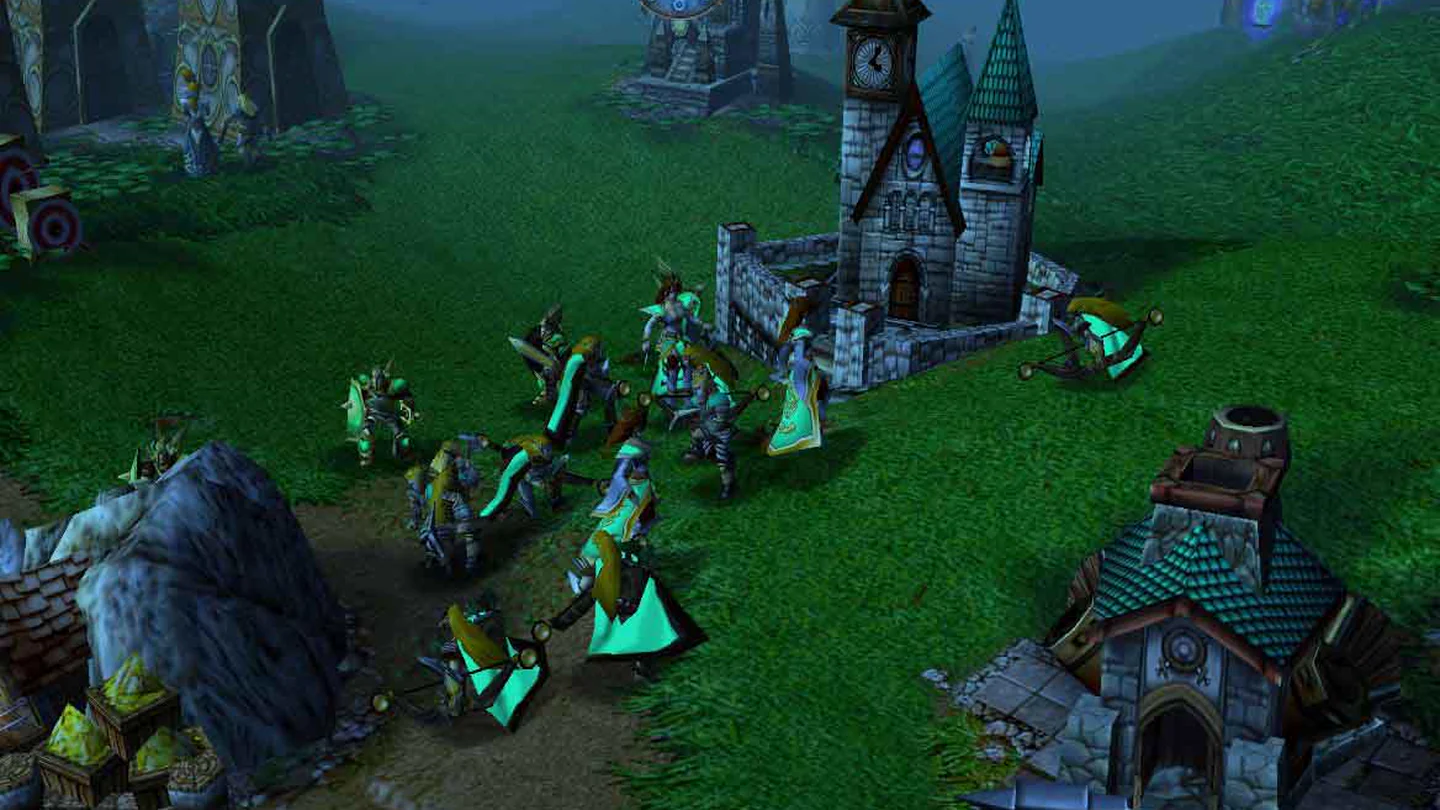
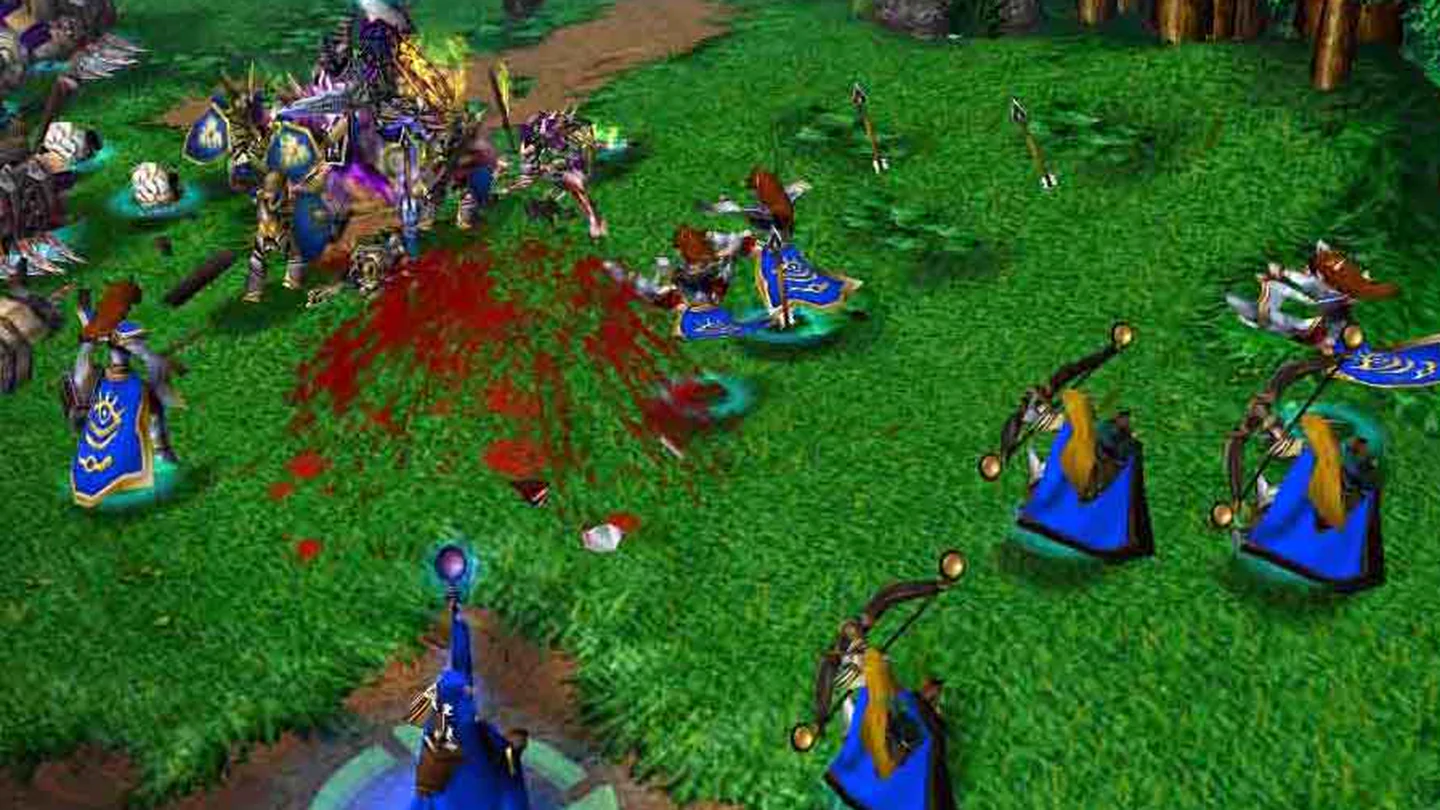
Warcraft III is a real-time strategy classic. Four races — the Alliance, the Horde, the Undead and the Night Elves — fight for Azeroth, while heroes gain levels and lead armies into battle.
- Reign of Chaos and The Frozen Throne — both campaigns and every mode;
- heroes and armies — experience, abilities and items, not just base building;
- custom maps — DotA, Tower Defense, Footmen Frenzy and thousands more that started whole genres;
- World Editor — make your own maps and scenarios.
Unite lobbies
- your own lobby in the launcher — the Lobbies tab: pick a map, name the lobby and set a password if you like;
- Unite hosts keep the game on a server — no ports to open and no waiting for someone to host it on their PC;
- DotA v6.85k Allstars and DotA v6.69b LoD are already on the hosts; upload your own .w3x or .w3m map up to 100 MB right from the launcher;
- up to 12 players per lobby, !ready, !ping and !votekick in the lobby chat;
- version 1.28.5 — the same for everyone, the launcher updates the game itself.
How to play
- Press Install — about 1.2 GB.
- Open the Lobbies tab on this page and set your name in Warcraft III — Latin letters, digits and _ . -, up to 15 characters. The launcher sets it in the game itself.
- Join someone's lobby with Join or press Create a lobby: pick a map, a name and a password if you like. A Unite host opens the lobby in about 30 seconds.
- The launcher starts GProxy++ and Warcraft III. In the game choose Local Area Network and enter the game [G] lobby name.
- When everyone is ready, write !ready in the lobby chat — the countdown starts.
Good to know
- The creator of a lobby has to enter the game in time, or the lobby closes.
- Upload your own map with Upload your map when you create a lobby: .w3x or .w3m up to 100 MB, kept for 7 days.
- Lobby chat commands: !ready / !unready, !ping, !players, !votekick, !help for all of them.
- If the [G] game is not in the list, check that the launcher is connected to the Unite network and start the game only with Join.
GenreReal-time strategy, Strategy, MOBA
TypeNetwork play
Players1–12
Size1.1 GB
System requirements
Minimum
- OS
- Windows 10 / 11
- Memory
- 1 GB (recommended 2 GB)
- Disk space
- 2 GB
Recommended
- OS
- Windows 10
- Processor
- Intel Core 2 Duo E8400, 2 cores
- Memory
- 2 GB
- Graphics
- Intel HD Graphics 520, 256 MB VRAM
- Disk space
- 2 GB
Similar games
All games →
Get the PC app
Download Unite Gaming Launcher
Free for Windows 10 and 11. Installs in a couple of minutes — then the launcher updates itself.
Windows 10 and 11availableAndroidcoming soon